Governance & Security
From the field archive · Learned in 2024
Copilot Studio Data Protection: The Questions Customers Asked Me in 2024
The same ten questions came up in almost every security review. Here they are, with the answers I'd give today, checked against current public documentation.

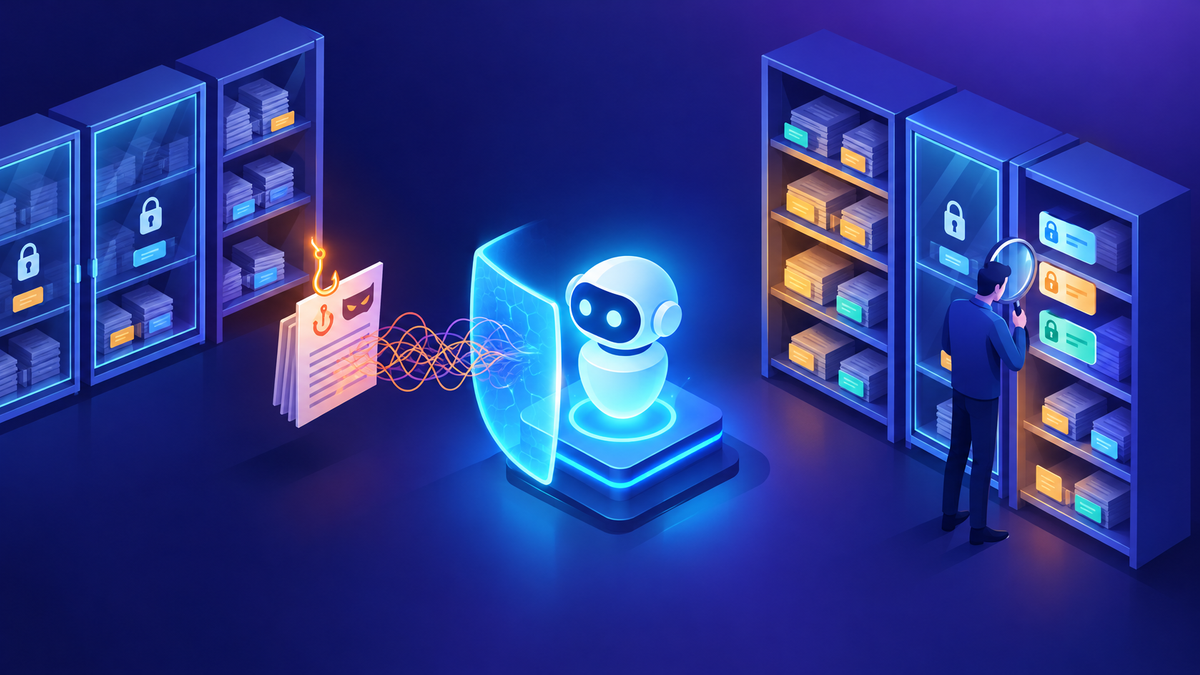
In 2024, nearly every Copilot Studio conversation I had reached the same point: the security team joined the call. Their questions were good ones, and they were remarkably consistent across industries. Is our data used to train the model? Where does it go? Can the agent show someone data they shouldn't see? Who's allowed to build these things?
I answered them in meetings, in follow-up emails, and on security review forms. This post collects those questions in one place, in FAQ format, with answers updated for October 2026. One caveat before we start: these are my practical summaries of public Microsoft documentation, not contractual commitments. For anything going into a formal assessment, cite the source documents directly.
The fundamentals haven't changed, but the controls have grown. Customer-managed keys now cover Copilot Studio agent definitions, conversations, and telemetry. Sharing limits for agents are a Managed Environments control. Admins can enforce agent authentication policies, and Copilot Studio shows makers security warnings and real-time risk findings before they publish. Microsoft Agent 365 and Microsoft Entra Agent ID let organizations represent agents as identities in Entra. Microsoft has also renamed Microsoft 365 Copilot to Microsoft Copilot, so some documentation uses both names during the transition.
01Is our data used to train the models?
This was always the first question. Microsoft's Power Platform Copilot FAQ states that prompts and responses aren't available to other customers, aren't used to train third-party products such as OpenAI models, and aren't used to train Microsoft AI models unless your tenant admin opts in to data sharing. The AI Builder architecture page makes a similar commitment for prompts, responses, embeddings, and training data.
There's an optional data-sharing setting, so "never" isn't quite the right word. The accurate answer is: not unless your admin opts in. Check that setting as part of your review, and document who owns it.
02Where is our data processed and stored?
Copilot Studio follows geographic data residency for the environment it runs in. Generative AI features run on Azure OpenAI, which isn't deployed in every region. For environments in some geographies, a Power Platform admin has to allow data movement across regions for some features to work. Microsoft documents when data moves and notes that features powered by Bing are governed by separate terms.
Two details are worth adding to your review notes. First, the checkbox isn't shown for US and government cloud regions. Second, Microsoft notes that cross-geo behavior can vary by model in Copilot Studio, and some models might process data outside your region even when movement is restricted. If residency is a hard requirement, check model availability before you choose one.
03Can an agent show users data they can't access?
It depends on how the agent authenticates, and this is where I spend the most time. When an agent uses the end user's identity, knowledge from sources such as SharePoint respects that user's permissions. When a tool or connection uses the maker's credentials, every user of the agent effectively acts with the maker's access. Microsoft's documentation for computer use warns about exactly this when maker-provided credentials are shared.
- Prefer end-user authentication for knowledge and tools wherever possible.
- Where a shared identity is needed, use a narrowly scoped service account or service principal, never a maker's personal account.
- Remember that the agent can only be as safe as your permissions. If a SharePoint site is overshared, the agent will find it.
I cover oversharing in detail in Agent Data Security and Oversharing.
04Can different users get different answers?
In early 2024 an airline was exploring Copilot Studio and asked how role-based access would work in an agent: could different employees use the same agent and still see only what their role allowed? It was one of the first conversations where RBAC came up before the use case was even finished.
Yes, but RBAC lives in the data and identity layers, not in the prompt. Here's how I approach it:
| Layer | How it controls access |
|---|---|
| Knowledge permissions | With user authentication, users only get answers grounded in content they can already open |
| Dataverse security | Security roles and row-level access apply to data the agent reads as the user |
| Agent logic | Check the signed-in user's attributes or group membership before calling sensitive tools |
| Separate agents | When audiences differ a lot, two agents with different knowledge are simpler and safer |
I'd never rely on instructions like "don't tell non-managers about salaries." Instructions guide behavior; they aren't an access control.
05Who can create agents?
This came up repeatedly, including in a 2025 question list from a customer who wanted to know how to stop "everyone" from building agents. Microsoft's guidance gives you control at several levels:
- Tenant: who has a Copilot Studio User license, assigned through Entra ID groups.
- Environment: who has access, using Entra security groups, and which security roles they hold.
- Environment routing: sends makers to a personal development environment instead of the default one.
- Data policies: what makers can use once they're in, such as connectors, knowledge sources, and channels.
Agents built in Agent Builder inside Microsoft Copilot are governed separately, through the Microsoft 365 admin center. Microsoft's zoned governance guidance treats those as personal productivity agents, separate from the IT-managed zones where Copilot Studio agents are built and shared more widely.
06Who can use an agent we publish?
Agent authentication settings control whether users must sign in. Admin-level authentication policies can block anonymous access for an environment or environment group. In Managed Environments, sharing limits control whether makers can share with security groups, individuals only, or a capped number of viewers. Microsoft notes that sharing limits only apply to agents that require authentication, and that rules are enforced when someone shares, not retroactively.
07How do we stop data leaving through connectors?
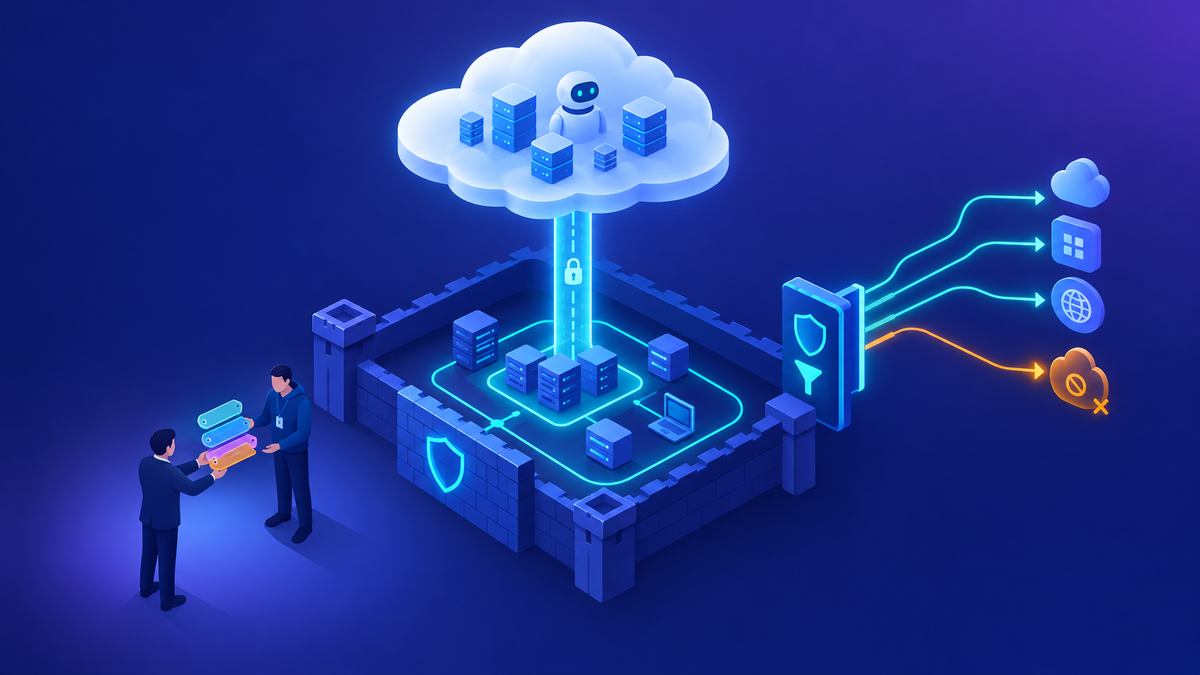
Data policies in the Power Platform admin center govern Copilot Studio capabilities, including authentication options, knowledge sources, connectors, HTTP requests, channels, Application Insights, and triggers for autonomous agents. Admins can also turn off publishing of agents that use generative AI features. For finer control, advanced connector policies let you allow specific connector actions rather than whole connectors. My environment strategy and DLP post covers how I structure these policies.
08Is data encrypted, and can we hold the key?
Data stored in Copilot Studio is encrypted at rest with Microsoft-managed keys by default. Copilot Studio supports the standard Power Platform customer-managed key implementation, covering agent definitions, published snapshots, telemetry, and user conversations.
CMK can take up to 48 hours to fully activate, and Copilot Studio isn't available in that environment until it does. Data persisted before CMK was turned on stays under Microsoft-managed keys. It doesn't apply to agents built in Microsoft Copilot, which aren't tied to an environment. Microsoft recommends testing in a new environment first.
09Can we audit what makers and agents do?
Yes. Maker activity in Copilot Studio is logged in Microsoft Purview audit, and Purview's AI capabilities help you see sensitive information in prompts and responses. Conversation transcripts are stored in Dataverse, and access depends on security roles. Check current documentation for transcript retention settings, since they're configurable and have changed over time. The governance tools guide covers Purview and Sentinel in more depth.
10How do we handle a security review form?
In March 2024 a digital infrastructure company sent an urgent AI Builder security review form, a long checklist with boxes to tick. Later, a customer-experience services company ran a formal application assessment before approving Copilot. What I took from both: these reviews go faster when every answer maps to a public source, instead of being answered from memory.
Here's what I recommend for any review:
- Start from public sources: Microsoft Learn security and governance pages, the Service Trust Portal, and the product terms and Data Protection Addendum that govern the service.
- Answer each question with a link, not a paraphrase. Reviewers trust citations.
- Separate "what Microsoft does" from "what you configure." Many answers depend on your own settings, such as authentication, data policies, and CMK.
- Flag preview features clearly. They often have different terms.
Microsoft also documents protections against harmful content, jailbreak attempts, and indirect prompt injection for Copilot features across Dynamics 365 and Power Platform. I'd still test your own agents against these scenarios before launch, because your knowledge sources and tools shape the risk.
Where I'd start
Build a one-page data protection summary for your organization, with each of these ten questions answered and linked to a current Microsoft Learn page. Decide on authentication and maker access before you build, set data policies and sharing limits per environment, and check the data-sharing and data-movement settings. Then review it every few months, because the controls keep improving.
Happy to go deeper on any of this.
— K.G
Sources
- Microsoft Learn: FAQ for Copilot data security and privacy for Dynamics 365 and Power Platform
- Microsoft Learn: AI Builder architecture
- Microsoft Learn: Key concepts, Copilot Studio security and governance; Secure your Copilot Studio projects; Implement a zoned governance strategy
- Microsoft Learn: Move data across regions for Copilots, AI agents, and generative AI features; Configure data movement across geographic locations for generative AI
- Microsoft Learn: Control how agents are shared; Configure customer-managed encryption keys (Copilot Studio)
- Microsoft Learn: Automate web and desktop apps with computer use; FAQ for generative answers
- Microsoft Learn: Data, Privacy, and Security for Microsoft Copilot

Get new posts by email
Provider: your email provider