Governance & Security
Environment Strategy and DLP: What I Recommend as Your Power Platform and Copilot Studio Footprint Grows
Practical guidance from my customer conversations, whether you're setting up your first environments or tightening governance on a tenant that's been live for years.

By Kaustubh Giri, Sr Solution Engineer. ~12 min read.
Most of the governance conversations I have with customers start the same way. Someone built a flow, then a team built an app, and now there are agents answering questions from HR policies and SharePoint content. People depend on these things, and nobody really planned for it. The question I usually get is: “Where do we even start?”
My answer is almost always the same. Before you worry about tooling, make a few decisions: where things get built, which data is allowed to mix, and how something moves from an experiment to production. If you get those right, most of the configuration follows naturally. This post walks through how I approach it.
Who this is for. If you’re just starting, treat this as a day-one checklist. Several of these decisions are easy to make now and painful to change later. If you’ve been live for a while, use it as a maturity check. In my experience, tenants that have been running for a few years tend to have the same three issues: a crowded default environment, uneven DLP coverage, and agents that nobody has inventoried. All three are fixable, and you don’t have to fix them all at once.
In this post:
- Agree on principles before policies
- Design an environment strategy that scales
- Get the default environment under control
- Use Managed Environments and environment groups
- Build a layered DLP strategy
- DLP considerations specific to Copilot Studio
- Identity, access, and ownership
- ALM: how solutions get to production
- Visibility, monitoring, and cost
- A 30-60-90 day roadmap
1. Agree on principles before policies
Before anyone opens the admin center, I’d recommend getting the platform team, security, and a couple of business stakeholders to agree on a few principles. Every later decision about environments, connectors, and access should trace back to them. Without them, I’ve seen DLP turn into a long list of one-off exceptions that nobody can explain a year later.
- The governed path should be the easy path. If getting a proper environment takes three weeks, makers will build in the default environment instead. Make the right path faster than the workaround.
- Match controls to risk. A personal approval flow and a customer-facing agent that reads ERP data shouldn’t go through the same process.
- Keep building separate from running. Development, testing, and production belong in different environments, especially for anything business-critical.
- Everything has an owner. Every app, flow, agent, and connection needs an accountable owner and a plan for when that person changes roles or leaves.
2. Design an environment strategy that scales
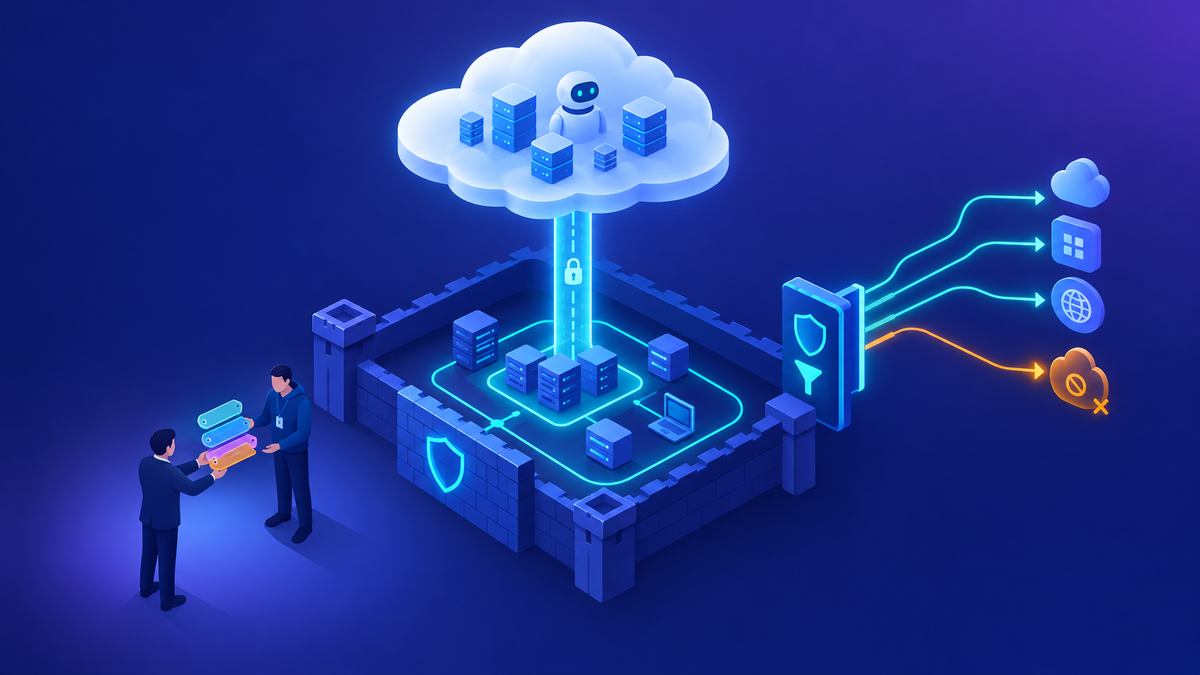
An environment is the boundary for data, security, connectors, and lifecycle in Power Platform, so how you split your tenant into environments decides how much control you have later. I usually see two extremes, and I’d avoid both: environments created by whoever asks for one, and one shared sandbox for everybody.
The tiered model below works for most of the customers I work with:
| Tier | What it’s for |
|---|---|
| Personal productivity | The default environment plus personal developer environments. Low-risk experimentation with tightly restricted connectors. |
| Team / departmental | Shared environments for a business unit, with a named environment owner and broader connector access. |
| Project dev & test | Dedicated development and test environments for anything headed to production. |
| Production | Managed solutions only, deployed through pipelines. No direct edits by makers. Monitored and supported. |
Decisions I’d make up front
| Decision | What I recommend |
|---|---|
| Who can create environments? | Restrict production and sandbox creation to admins. Handle requests through a short intake form that captures the owner, purpose, data classification, and expected lifespan. |
| How are environments organized? | By business unit, by region (for data residency), or by solution. Choose one main approach and stick to it. |
| Naming convention | Use a predictable pattern like BU-Purpose-Stage (for example, FIN-ExpenseAgent-PROD), so anyone can tell what an environment is from its name. |
| Where should data live? | Choose the region deliberately. You set it when you create the environment, so treat it as a one-time decision. |
| Who gets access? | Assign a Microsoft Entra security group to each environment so only the intended people can see what’s in it. |
| How do environments retire? | Define what “inactive” means, set expiry dates for trial and sandbox environments, and review them on a regular schedule. |
My tip: Don’t create an environment for every maker or every small app. Too many environments is its own governance problem. Group environments by audience and data sensitivity, and use solutions to keep projects separate within them.
3. Get the default environment under control
Every licensed user can build in the default environment, and you can’t delete it. That’s fine for personal productivity. It isn’t fine for anything else, and in most established tenants I look at, it’s where most of the unmanaged assets are.
- Rename it to something like “Personal Productivity” so makers know what it’s for.
- Apply your strictest DLP policy to it. Allow Microsoft 365 connectors, and block or set aside the rest.
- Turn on environment routing so new makers get their own developer environment instead of building in the shared default.
- Enable Managed Environment features on it, such as sharing limits, maker welcome content, and usage insights.
- Limit sharing so a personal app or agent can’t quietly end up with thousands of users.
- Define how things move out. When something outgrows personal use, move it to a team or project environment rather than letting it grow where it is.
The default environment is for personal productivity. Once the business depends on something, it should live somewhere else.
4. Use Managed Environments and environment groups
Managed Environments add a set of governance controls on top of a standard environment. If you’re operating at any real scale, I’d turn them on for every environment that matters. The features I see customers use most:
- Sharing limits - limit how widely makers can share canvas apps and agents, or block sharing with security groups.
- Usage insights - a regular digest of the most-used and inactive assets, sent to admins.
- Solution checker enforcement - warn on, or block, solution imports that fail static analysis.
- Maker welcome content - show makers your policies, training, and support channels the first time they open an environment.
- IP firewall & IP cookie binding - limit Dataverse access to trusted networks and reduce the risk of session hijacking.
- Customer-managed keys & Lockbox - control your own encryption keys and approve Microsoft support access, for highly regulated workloads.
Environment groups are what make this manageable. Group environments by business unit or tier, then apply rules once for the whole group, such as sharing, generative AI settings, backup retention, and solution checker. Any new environment added to the group gets the same configuration automatically. At enterprise scale this saves a lot of effort, because you’re setting policy per group instead of on dozens of environments one at a time.
5. Build a layered DLP strategy
Power Platform DLP sorts connectors into three groups. Business connectors can be used together, Non-business connectors can be used together, and the two groups can’t be combined in the same app, flow, or agent. Blocked connectors can’t be used at all. The concept is simple. Applying it consistently across a large tenant is where it gets hard.
Think in layers
| Layer | Purpose | Posture |
|---|---|---|
| Tenant-wide baseline | Applies to every environment. Blocks connectors you never want used and sets how new connectors are classified by default. | Most restrictive |
| Default / personal | Applies to the default and developer environments. Allows Microsoft 365 productivity connectors and keeps everything else out of the Business group. | Restrictive |
| Team / departmental | Adds the line-of-business connectors each team needs, such as CRM, ITSM, or finance systems. | Balanced |
| Project / production | Scoped to what the solution actually uses, with connector action controls and endpoint filtering. | Purpose-built |
How policies combine: When more than one DLP policy applies to an environment, the most restrictive combination wins. That means your tenant baseline is a floor that environment-level policies can’t loosen. Plan your layers with this in mind.
DLP practices that hold up at scale
- Classify new connectors as Non-business or Blocked by default. New connectors are added regularly, and you want to review each one before makers start using it.
- Use connector action control to allow a connector while blocking risky actions, such as deletes or sending to external recipients.
- Use endpoint filtering for HTTP, SQL Server, Azure Blob Storage, and similar connectors, so they can only reach approved destinations.
- Govern custom connectors with URL patterns. Allow your trusted internal API hosts and block everything else.
- Keep the number of policies manageable. A handful of well-designed policies is much easier to explain and audit than dozens of exceptions.
- Check the impact before you enforce a change. Use the connector view in the admin center’s Inventory to find which apps, flows, and agents a change would affect, and tell their owners first.
- Write down the exception process: a business justification, an approver, and an expiry date. Exceptions without an expiry date tend to become permanent.
6. DLP considerations specific to Copilot Studio
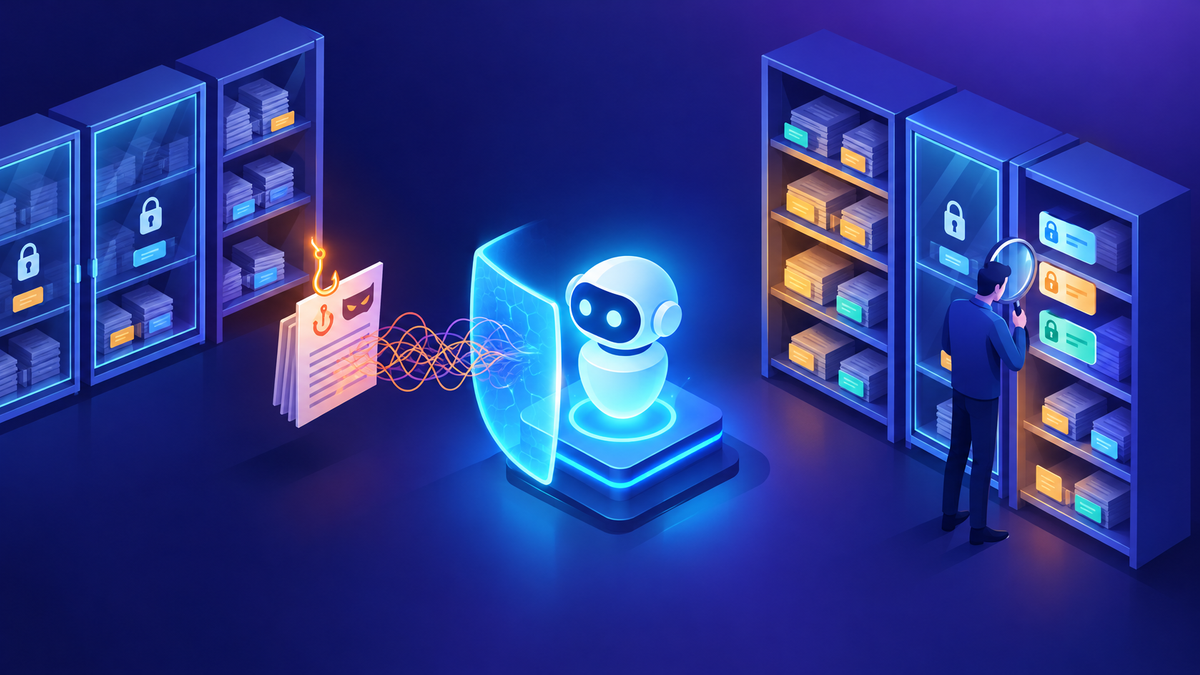
Agents raise questions that apps and flows don’t. An agent might be published to a public website, talk to anonymous users, call tools on its own, or answer from internal knowledge. Copilot Studio capabilities show up in Power Platform DLP as connectors, so you can govern them with the same policies you already use.
| Area | What I’d decide |
|---|---|
| Authentication | For internal environments, block the option to chat without Microsoft Entra ID authentication, so every conversation is tied to a known user. |
| Publishing channels | Control which channels makers can publish to, such as Teams and Microsoft 365, websites, Direct Line, or third-party messaging. Keep external channels to reviewed environments. |
| Knowledge sources | Decide which grounding sources each tier allows: SharePoint, OneDrive, Dataverse, uploaded files, or public websites. Public web grounding might be fine in a sandbox and not for an HR agent. |
| Tools, actions & HTTP | Agents can call connectors, flows, MCP servers, and HTTP endpoints without a person approving each step. Apply action controls and endpoint filtering here too. |
| Generative AI settings | Use environment group rules to manage generative features, data movement across regions, and preview features by tier. |
| Telemetry | Allow your approved Application Insights resources and block other telemetry destinations. |
Four questions I ask before an agent goes live: Who can talk to it? What can it see? What can it do? Who owns it? If the team can’t answer all four clearly, the agent isn’t ready for production.
7. Identity, access, and ownership
In my experience, most governance problems come down to ownership and access, not the technology. One of the concerns I hear most often from customers is what happens when the person who built an automation leaves and it’s still running under their personal account.
- Use security groups for each environment so access follows your organizational structure.
- Use least-privilege security roles in Dataverse. Keep Environment Admin, Environment Maker, and end-user roles separate.
- Run production automation under service principals or service accounts, not personal accounts.
- Require co-owners for any business-critical app, flow, or agent.
- Define an offboarding process that finds and reassigns someone’s assets before their account is disabled.
- Consider tenant isolation to control connections to and from other Microsoft Entra tenants.
From the field: A customer recently needed to give their platform team Power Platform RBAC roles such as Reader and Contributor. Those roles could only be assigned through the API or PowerShell, not the admin center UI, which made it hard to delegate safely. I built them a small self-service page that uses their own sign-in and Microsoft’s APIs to show and assign roles. It can’t grant anything the signed-in admin doesn’t already have. My takeaway: plan role delegation early, because the tooling for it isn’t always built in.
8. ALM: how solutions get to production
Governance and ALM depend on each other. A clear, reliable path to production is what lets you lock production down without slowing teams.
- Build everything in solutions, including Copilot Studio agents, from the start.
- Use Power Platform pipelines (or Azure DevOps or GitHub for more advanced teams) to move managed solutions from Dev to Test to Prod.
- Use environment variables and connection references so the same solution runs in every stage without edits.
- Require approval for production deployments, with solution checker running beforehand.
- Don’t customize directly in production. Changes should start in development and come through the pipeline.
Things to avoid: exporting unmanaged solutions by hand and importing them into production; testing agents against production data from a maker’s personal environment.
From the field: I recently worked with a customer whose production agent was failing to answer certain questions, while a cloned copy answered them correctly. The first thing I recommended was to stop changing the production agent so we could keep the behavior reproducible, and to collect conversation IDs from both agents (type
/debug conversationidin the chat) for the support case. When we compared the two, we found they weren’t running on the same harness, so it wasn’t really a like-for-like comparison. This is exactly why I push for consistent configuration across environments: when Dev, Test, and Prod drift apart, troubleshooting becomes guesswork.
9. Visibility, monitoring, and cost
You can only govern what you can see. The tools for this changed a lot in 2026. The CoE Starter Kit is no longer maintained, and most of what it did is now built into the Power Platform admin center.
- Inventory - know what exists. Use Inventory in the Power Platform admin center and the Agent Registry in the Microsoft 365 admin center to see every app, flow, and agent, and who owns it.
- Health & risk - know what needs attention. Usage, Monitor, Actions, and the Security page show adoption, operational health, and recommendations you can act on.
- Audit - know what happened. Microsoft Purview Audit, DSPM for AI, and Microsoft Sentinel give you an audit trail, show sensitive data in AI interactions, and help detect threats.
- Cost - know what it costs. Allocate Copilot Credits by environment, download consumption reports by agent or user, and use billing policies so usage is charged to the right cost center.
From the field: A customer asked me to help build a Copilot Studio costing dashboard. When I tested the per-agent cost endpoints from outside the admin center, every combination I tried returned 403 Forbidden, including a user with the Power Platform Reader role, a service principal, and Global Admin. So I’d temper expectations: the Reader role is still worth turning on for tenant and environment totals, but for per-agent breakdowns, start with the downloadable consumption reports in the admin center and use Application Insights for conversation-level telemetry.
Go deeper: I wrote a companion post that goes through each of these tools in detail, including what’s active, what’s been retired, and how I recommend using each one: The 2026 Governance Toolbox: How I Track and Manage Power Platform and Copilot Studio at Scale.
Metrics I’d track: percentage of environments that are managed, number of assets in the default environment, orphaned assets, active vs. inactive agents, open DLP exceptions and how long they’ve been open, Copilot Credit consumption by environment.
10. A 30-60-90 day roadmap
Whether you’re starting from scratch or cleaning up an existing tenant, I follow the same order: get visibility first, then set a baseline, then put a sustainable operating model in place.
Days 1-30: See & stabilize
- Inventory environments, apps, flows, and agents
- Restrict who can create environments
- Apply a tenant-wide DLP baseline
- Rename and lock down the default environment
- Name a governance owner
Days 31-60: Structure & standardize
- Define environment tiers and a naming convention
- Turn on Managed Environments and create environment groups
- Roll out layered DLP, including Copilot Studio controls
- Turn on environment routing
- Publish maker guidelines
Days 61-90: Operationalize & scale
- Set up pipelines and an ALM standard
- Move critical assets out of the default environment
- Set up monitoring, audit, and cost reporting
- Put exception and offboarding processes in place
- Start a maker community and champions program
A quick self-check
If you can’t answer “yes” to most of these, that’s where I’d start:
- Can we list every production app, flow, and agent, and who owns each one?
- Is environment creation controlled, with a defined way to request one?
- Does every environment have at least one DLP policy, with a tenant-wide baseline in place?
- Are new connectors blocked or set to Non-business until we’ve reviewed them?
- Do we know which agents are published externally or allow anonymous chat?
- Does production automation keep running when someone leaves?
- Do solutions go to production through a pipeline instead of manual imports?
Where I’d start
Governance shouldn’t feel like a blocker. When environments are well organized, DLP is layered, ownership is clear, and there’s a reliable path to production, makers can move quickly and IT can trust what’s running.
You don’t have to do all of this at once. Get visibility first, set a baseline, and improve from there. Happy to go deeper on any of this for your tenant.
K.G.
Power Platform and Copilot Studio admin capabilities change frequently, and availability can vary by license and region. Check current Microsoft Learn documentation before rollout. Customer examples are anonymized.

Get new posts by email
Provider: your email provider