Operations
When the Maker Leaves: Ownership, Identity and Business Continuity for Agents and Flows
What actually breaks when an account is disabled, how ownership differs from the identity a flow or agent runs as, and the offboarding runbook I recommend.
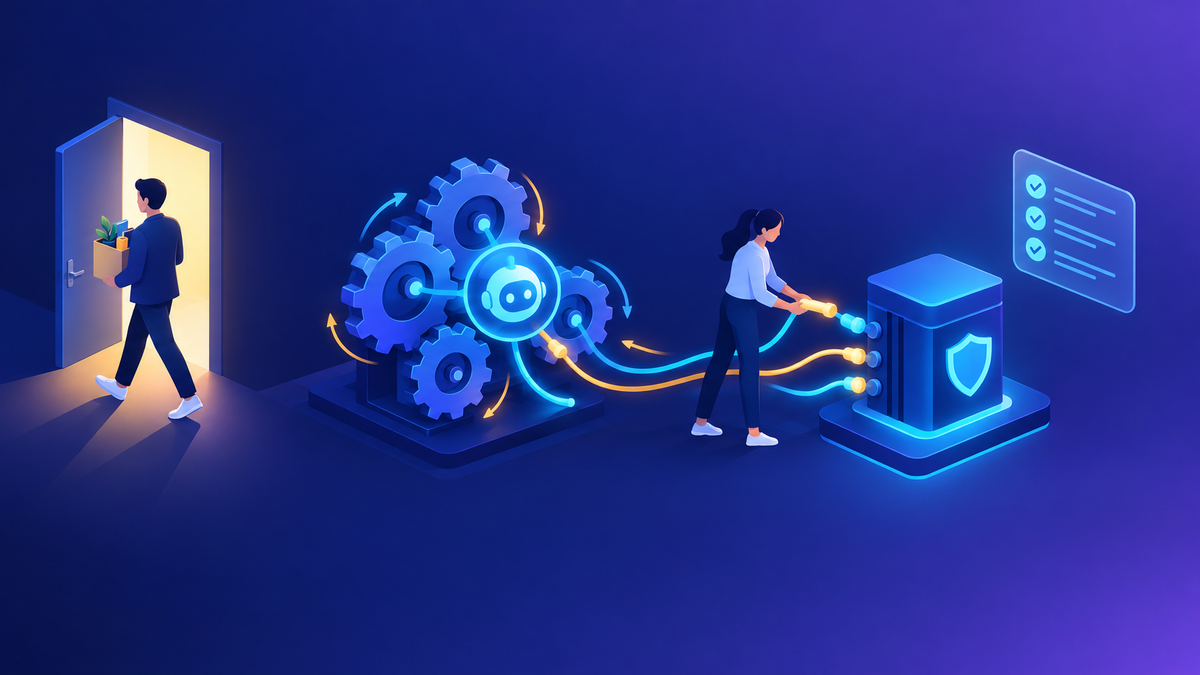
If you ask me which operational risk I hear about most from platform teams, it isn’t a security breach or a runaway bill. It’s this: “Someone left, and now a process nobody knew about has stopped.”
The pattern is almost always the same. A capable person builds a flow or an agent with their own account and their own connections. It works, people start depending on it, and nobody moves it anywhere safer. Then HR offboards that person, IT disables the account, and a few days later invoices stop routing or an agent stops answering. The automation was never really owned by the business. It was owned by a person.
The good news is that this is very preventable. In this post I go through what breaks, the four concepts people tend to mix up, the identity options for production, and the runbook I’d give to IT and HR offboarding teams.
A quick caveat
Several capabilities below, including Dataverse agent users for Microsoft Entra Agent ID, are in preview as of October 2026. Preview features aren’t meant for production use and can change. Check the current Microsoft Learn articles before you build a process around them.
In this post
- What breaks when an account is disabled
- Owner, co-owner, connection, run-as
- Production identities for flows
- Agents: credentials and identity
- Finding at-risk assets before HR does
- The offboarding runbook
- Who may own production assets
01 What breaks when an account is disabled
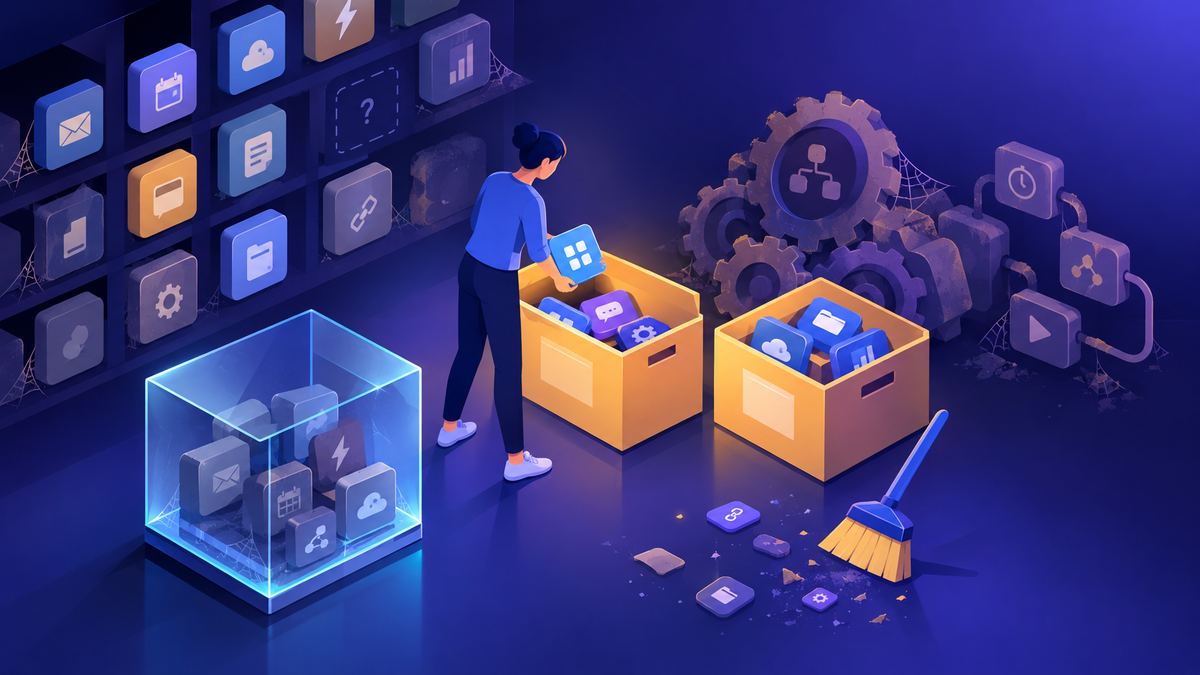
People usually expect “the flow stops.” In practice, several different things happen at once, and they need different fixes. Microsoft describes an orphaned flow as one that no longer has a valid owner, and notes that it can fail if it uses connections tied to that user account. That’s the key point: losing the owner and losing the connection are two separate problems.
| Asset | What happens | Fix |
|---|---|---|
| Cloud flows | No valid owner if there’s no co-owner. Runs fail wherever an action uses the leaver’s connection. | Add a co-owner, then replace the connection |
| Connections | A connection is a stored credential for one connector. If it was created by the leaver, expect it to stop authenticating. | Create a new connection under the right identity |
| Connection references | The reference survives, but it still points at the leaver’s connection. | Edit the reference to point at a new connection |
| Agent tools with maker-provided credentials | The agent calls tools with the maker’s connection, so those tool calls are likely to fail for every user. | Re-authenticate with a service connection, or switch to end-user credentials |
| Agents | The agent may become ownerless. Nobody has full lifecycle control, including delete. | Reassign ownership in the Microsoft 365 admin center or with the API |
| Shared apps and flows | Users keep access, but nobody can change the app or fix it when something goes wrong. | Assign a new owner |
| Dataverse records | Rows still belong to the disabled user, which affects queues, views, and security. | Reassign records in the admin center |
The takeaway
Reassigning ownership gives someone control. It doesn’t make the automation run again. You almost always have to fix the connections as well.
02 Owner, co-owner, connection, run-as
This is a common point of confusion, and I think it’s the root of most offboarding failures. Teams assume that adding a co-owner protects a flow. It protects access to the flow. It doesn’t change whose credentials the flow uses.
Control
Owner
The accountable principal. For a flow, a user or a service principal. For an agent, the person with full lifecycle rights, including delete.
Control
Co-owner
Full control of a flow, like the owner. Co-owners can fix connection authentication and turn a disabled flow back on.
Credential
Connection
A stored credential for a connector, such as OAuth for SharePoint. It belongs to the identity that signed in to create it.
Credential
Run-as identity
Whose permissions are used when something executes: the owner’s connections, the invoking user’s, or a service identity.
Two settings decide the run-as identity in practice. When you share a flow with run-only users, the owner chooses whether it uses the invoking user’s connections or the connections built into the flow. In Copilot Studio, each tool uses either end-user credentials or maker-provided credentials. In both cases, the “built-in” or “maker” option means one identity’s access is used for everyone. That’s convenient, and it’s exactly what breaks when that identity leaves.
Here’s how I approach it: for every production asset, I write down two names. Who owns it, and whose identity it runs as. If either one is a person who could leave, it goes on the risk list.
03 Production identities for flows
For flows the business depends on, I recommend taking people out of the ownership chain entirely.
Service principal owned flows
SupportedPower Automate · Dataverse application user
Power Automate supports flows owned and run by a service principal application user. Microsoft positions this for mission-critical departmental or enterprise flows, because it separates the flow from the lifecycle of any one employee and suits flows deployed through DevOps pipelines.
What to know before you switch
- Create an application user for the Entra service principal, then change the flow’s owner in its Details pane.
- A service principal can’t be a co-owner. It has to be the owner.
- Solution flows don’t need connections shared with the service principal. Non-solution flows do.
- Premium flows need a Process or per-flow license, a flow group with a Process license, or a designated licensed user. That user must be a co-owner. If they lose their license or are removed as co-owner, the flow can be suspended.
- Service principal flows draw on non-licensed user request limits. Check the current limits for your scenario.
My tip
The designated licensed user option is a quiet way to reintroduce a person dependency. If you use it, make that user part of your offboarding checks too, or license the flow directly.
Connection references in solutions
Generally availableSolutions → Connection references
Flows built inside a solution bind to connection references instead of directly to connections. To change the connection a flow uses, you edit the reference, not every action. Flows built outside a solution use connections directly and keep doing so even after you add them to a solution, until you convert them.
Why it matters for continuity
- You can repoint a whole solution to a service account’s connection in one place.
- On import into test or production, you supply the connection for each reference, which is the natural moment to use a non-personal identity.
Where a connector doesn’t support a service principal, I use a dedicated service account: a licensed, non-personal account, owned by the team, with MFA, a named business owner, and only the access it needs. It isn’t as clean as a service principal, but it doesn’t leave when someone resigns.
04 Agents: credentials and identity
Agents add two things flows don’t have: tools that can run with the maker’s credentials, and a dedicated agent identity in Entra.
Maker-provided credentials
When a maker sets a tool to use their own credentials, the agent uses the maker’s connection for every user. Microsoft calls out the oversharing risk this creates, and Copilot Studio’s security scan warns makers before publishing. It’s also a continuity risk, because the maker’s departure takes those tool calls with it.
Admins can control which options makers get, per environment or environment group, under Control maker credential options. I’d temper expectations before switching maker credentials off everywhere, though. When they’re blocked, every tool call needs a live user sign-in, so scheduled, autonomous, and background agents fail. For those agents, the right answer is maker-provided credentials that belong to a service account, not to a person.
From the field
A software company in the HR services space asked me to help them start an agent that watched a mailbox, filtered messages by subject, and processed the body and attachments. The first build used an Outlook trigger, and the easiest connection to pick was the builder’s own. That works for a pilot. Before anything like that goes live, I ask two questions: whose mailbox is the agent watching, and whose connection does the trigger use? If either answer is a person, it’s a continuity problem waiting to happen. A shared mailbox and a service account connection fix both.
Agent ownership and reassignment
Admins can assign a new owner to an agent in the Microsoft 365 admin center, whether the current owner is active or already gone. The Agent Registry has a view of agents without owners, and agent management rules include one for reassigning ownerless agents, in bulk, to the previous owner’s manager based on the Entra hierarchy. For Copilot Studio agents there’s also a Power Platform API operation for reassignment. When ownership moves, the new owner gets Environment Maker permissions on the environment and the old owner loses access to the agent. The API doesn’t support classic chatbots.
Again, reassignment fixes control, not credentials. An agent can depend on flows, connection references, environment variables, and knowledge sources that still point at the leaver.
Microsoft Entra Agent ID and Dataverse agent users
Entra Agent ID for Copilot Studio agents
Automatic for new agentsDataverse agent users: preview
Copilot Studio now creates a Microsoft Entra Agent ID for each new agent. The agent owner is added as a sponsor, which gives you traceability and a named accountable person in Entra. Connectors the agent uses show up as API permissions on its identity, so Entra admins can see what it can call and apply Conditional Access. When you delete the agent, its Agent ID is deleted too.
How I’d use it today
- Treat the sponsor as part of your offboarding check. A sponsor who leaves is the agent-identity equivalent of an orphaned flow.
- For agents that need Dataverse data, an Entra agent user can be created and associated with the agent identity so you can assign it a least-privilege security role. That’s in preview, so I’d pilot it in a non-production environment first.
- Older agents may still use legacy app registrations. Check the current docs on migration timing.
At this point I see Agent ID as the direction of travel: agents get their own identities, with a human sponsor, instead of borrowing a maker’s. It doesn’t remove the need to manage the connections an agent’s tools use.
05 Finding at-risk assets before HR does
The goal is to find person-owned production assets while the person is still here. These are the tools I use, and the companion governance toolbox post covers each one in more depth.
- PPAC Inventory, Owner filter: filter on the Owner column, then combine with environment and modified date. Microsoft lists “find resources owned by departing users” as a core use. It needs a tenant-wide Entra admin or reader role. Power Platform RBAC roles aren’t supported for Inventory, which I explain in the admin roles post.
- PPAC Actions: the Assign valid owners to apps to mitigate business continuity risks recommendation lists apps in managed environments, active in the last 90 days, that have no valid owner. You can assign a new owner from the recommendation.
- Environment flow list: in an environment’s Resources → Flows view, orphaned flows show no owner. PowerShell (Get-AdminFlow with -CreatedBy, and Set-AdminFlowOwnerRole) handles bulk co-owner assignment.
- Microsoft 365 Agent Registry: the agents without owners view, plus the reassignment rule above.
- Dataverse Reassign records: in the environment’s Users settings. It moves all records the user owns regardless of state, and it unpublishes classic workflows it reassigns, so the new owner must republish them.
From the field
On a finance automation proof of concept, I didn’t want to call it done based only on the accounts that built it. Once a licensing gap was closed, we ran it end to end with a user from the finance team, then planned the same steps with a second user. It picked out the right bank statement rows and wrote the records to Dataverse correctly. That second-identity test is cheap, and it’s the best way I know to catch a hidden dependency on the builder’s permissions or connections before it matters. I make it part of the definition of done for anything going to production.
06 The offboarding runbook
This is the sequence I give to IT, platform, and HR offboarding teams. The key change for most organizations is that platform work happens before the account is disabled, not after.
Before disable
Inventory and move
- HR notifies the platform team at notice, not on the last day
- Inventory flows, apps, agents, and connections by owner
- Classify each one: retire, hand to a person, or move to a service identity
- Reassign owners and add co-owners
- Re-authenticate connections and repoint connection references
- Test with a second identity
Day of disable
Cut over
- Reassign agents in the M365 admin center or by API
- Reassign Dataverse records and republish workflows
- Check Entra Agent ID sponsors
- Confirm licensed-user designations on service principal flows
- Disable the account
After disable
Watch
- Monitor flow run failures and connection errors for 30 days
- Review PPAC Actions and the Agent Registry ownerless list weekly
- Retire anything nobody claimed
- Record what you missed and update the checklist
My tip
Don’t reuse the leaver’s credentials to keep things running, even temporarily. It hides the problem and creates an audit issue. When one customer asked me how to give me access to their tenant, I recommended a guest invitation, the right environment security group, and only the Dataverse role I needed. They never issued or managed a password for me. I’d apply the same principle here: named identities with scoped access, never shared passwords.
07 Who may own production assets
A runbook only works if there’s a policy behind it. This is the starting point I suggest. It builds on the environment tiers from my environment strategy and DLP post.
| Tier | Owner | Run-as identity | Minimum control |
|---|---|---|---|
| Personal (default environment) | The maker | The maker’s own connections | Moved to a team environment if the business starts depending on it |
| Team | A named maker, plus at least one co-owner | End-user credentials, or a team service account | Business owner recorded. Quarterly owner review. |
| Production flows | Service principal application user | Service principal or service account via connection references | Solution-based, deployed by pipeline. Direct licensing preferred. |
| Production agents | Platform team or a named product owner, with a backup | End-user credentials, or a service account for autonomous triggers | Agent ID sponsor kept current. No personal maker-provided credentials. |
| Admin automation | Platform team service principal | Service principal | Least-privilege roles. Secrets or certificates rotated on schedule. |
From the field
When a software customer asked me how to govern agents that call outside systems, I sent back a set of questions before any design. One whole section was about ownership and accountability: who approves an agent, the central team, environment admins, or business unit owners, and how we’d trace who created it, what it connects to, and what data leaves. Ownership after someone leaves is the same question asked later. If you answer it at approval time, offboarding becomes routine.
Where I’d start
This week, filter PPAC Inventory by owner for everyone currently serving notice, and open the Agent Registry’s agents without owners view. Then pick your five most business-critical flows and agents and write down the owner and the run-as identity for each. In my experience, that one exercise shows most organizations where their real exposure is. After that, move production flows into solutions with connection references and service principal ownership, and bring the platform team into the HR offboarding process at notice.
Happy to go deeper on any of this.
- K.G
← Back to “Environment Strategy and DLP: What I Recommend”
Sources
- Microsoft Learn: Manage orphaned flows when the owner leaves the organization
- Microsoft Learn: Understand flow ownership and access
- Microsoft Learn: Support for service principal owned flows; Assign a user license to a flow owned by a service principal
- Microsoft Learn: Use a connection reference in a solution with Microsoft Dataverse
- Microsoft Learn: Control maker-provided credentials for authentication; Configure user authentication for tools; Automatic security scan in Copilot Studio
- Microsoft Learn: Reassign ownership of orphaned agents with the Power Platform API
- Microsoft Learn: Governance and lifecycle actions for agents in Microsoft 365 admin center; Agent Registry in Microsoft 365 admin center; Agent settings in Microsoft 365 admin center
- Microsoft Learn: Microsoft Entra Agent IDs for Copilot Studio agents; App registration, agent identities, and authentication; Create Entra agent users (preview)
- Microsoft Learn: Power Platform inventory; View security recommendations
- Microsoft Learn: Update a record Owner and Owning Business Unit; Manage user settings

Get new posts by email
Provider: your email provider