Agent Architecture
Copilot Studio, Power Apps, Power Automate or Pro-Code? A Simple Decision Guide
How I help customers pick the right way to build a solution, starting from the problem instead of the product.

By Kaustubh Giri, Sr Solution Engineer. ~12 min read.
“Should we build this as an agent?” I hear that question in almost every customer meeting now. It’s a fair question. But in my experience it’s usually the second question, not the first. The first question is: what problem are we actually solving, and for whom?
Microsoft gives you several ways to build: Copilot Studio agents, Power Apps, Power Automate (cloud flows and desktop flows), and pro-code options like Microsoft Foundry and the Microsoft 365 Agents SDK. They overlap, and the overlap causes a lot of confusion. In this post I share the questions I ask, when each option fits, the decision matrix I use, and the mistakes I see most often.
A quick caveat: Product names, billing, and feature status change often. Azure AI Foundry is now Microsoft Foundry, and Copilot Studio now builds agents on different “harnesses” with different billing. Everything below reflects public information as of October 2026. Check current docs before you commit to a design.
In this post:
- Start from the problem, not the tool
- Seven questions I ask first
- When a Copilot Studio agent fits
- When Power Apps fits
- When Power Automate and RPA fit
- When pro-code fits
- Most good solutions are combinations
- The decision matrix
- Three examples from the field
- Cost models, briefly
- Common mistakes
- One-page decision checklist
1. Start from the problem, not the tool
When a team arrives with “we want an agent,” I ask them to describe the work without naming any product. Who does it today? What triggers it? What does a good outcome look like? What happens when it goes wrong?
The answer usually shows the shape of the solution. If someone types the same 30 fields into a screen every day, that’s a form. If the steps never change, that’s a flow. If people keep asking questions that are answered somewhere in 400 documents, that’s an agent. If the core of it is a scoring model, that’s probably code.
The takeaway: Describe the work first. The tool choice gets much easier once you know whether the job is about conversation, data entry, a fixed process, or judgment.
2. Seven questions I ask first
These are the questions I walk through with business and IT leaders. None of them needs a technical background to answer.
| Question | What the answer tells me |
|---|---|
| Conversational or structured input? | Open-ended questions and requests point to an agent. Many required fields, validation, and lookups point to an app. |
| Deterministic or judgment? | If the same input must always give the same output, use a flow. If the work needs reading, summarizing, or deciding, an agent (or a model) belongs in the loop. |
| Volume and latency? | High-volume, time-sensitive steps should be deterministic and cheap per run. Generative reasoning on every transaction adds cost and time. |
| Who maintains it? | Makers and a CoE can own low-code. If only an engineering team can support it, plan for pro-code and proper ALM from day one. |
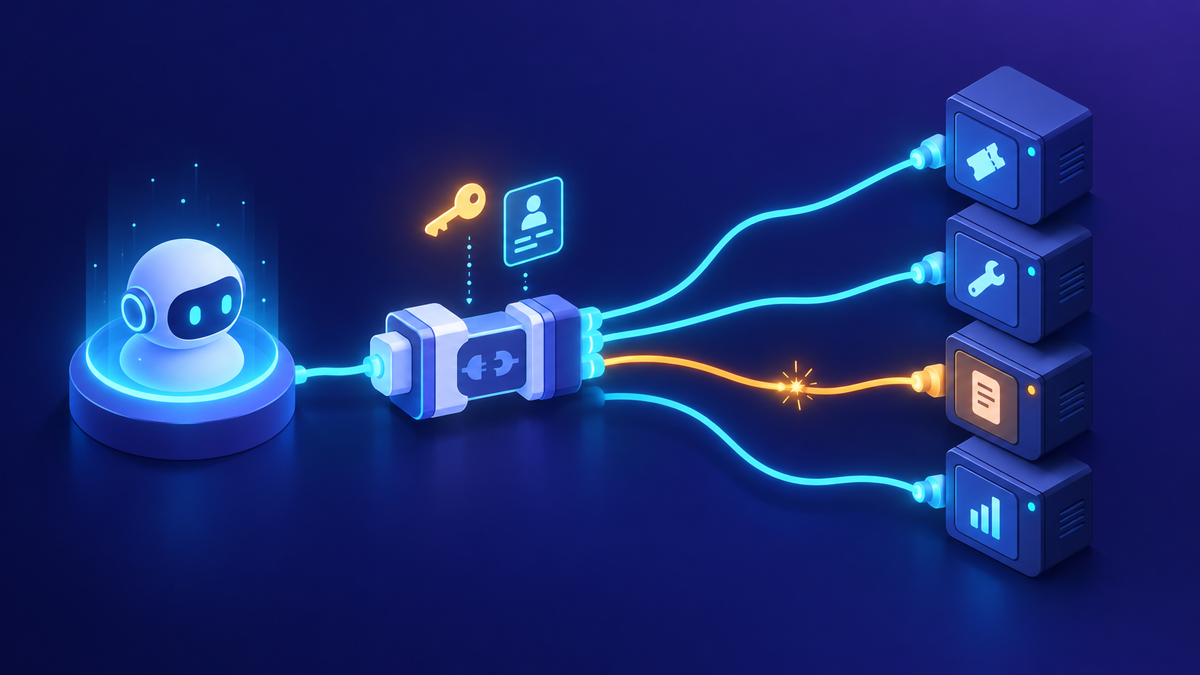
| Where does the data live? | Check for an existing connector or MCP server. Legacy desktop apps with no API point to desktop flows, RPA, or computer use. |
| Compliance and identity? | Who the solution acts as matters. For example, Copilot Studio event triggers authenticate with the agent author’s credentials, which changes your data-protection review. |
| Cost model? | Per-user licenses suit a known set of daily users. Consumption billing suits variable or autonomous workloads. See section 10. |
3. When a Copilot Studio agent fits
Agents are the right answer when the input is natural language, the knowledge is spread across documents and systems, or the work needs some judgment. I group the good fits into three patterns.
- Ask and act (Conversational) - Employees or customers ask questions and request actions in Teams, Microsoft 365 Copilot, or a website. The agent calls connectors, REST APIs, or MCP servers to get things done.
- Grounded answers (Knowledge) - Policy, product, or contract Q&A over SharePoint, Dataverse, and connected systems. The value is finding and summarizing, with access control respected.
- Event-triggered work (Autonomous) - The agent runs when something happens: an email arrives, a record changes, or a schedule fires. No one has to chat with it.
Autonomous agents are where I see the most interest from CIOs right now. A shared mailbox full of purchase orders, invoices, or requests is a classic fit. The agent reads each message and its attachments, extracts what matters, checks it against your systems, and either acts or routes it to a person. Event triggers require generative orchestration, and enabling them can change how billing is calculated, so include both in your design review.
My tip: For a repeatable analysis that runs every week, don’t rely on someone re-prompting a chat. Put the logic in the agent’s instructions and tools, then run it on a schedule or an event. You want the same data sources and the same KPIs every time, not a slightly different answer each Monday.
4. When Power Apps fits
Power Apps is still the best answer when people need to enter, review, and edit structured data. Forms with many fields, validation rules, conditional sections, and lookups are easier to use and easier to audit in an app than in a chat window.
Complex configuration is the clearest example. Quoting and CPQ (configure, price, quote) involve product options, dependencies, pricing rules, and approvals. A user needs to see the whole configuration at once and change one option without starting over. A conversation can collect a few inputs, but it struggles to show 40 interdependent choices on one screen.
- Structured data entry with validation and required fields
- Complex configuration where users need to see everything at once
- Review and approval screens, dashboards, and record management on Dataverse
- Line-of-business apps used daily by a known group of people
5. When Power Automate, desktop flows, or RPA fit
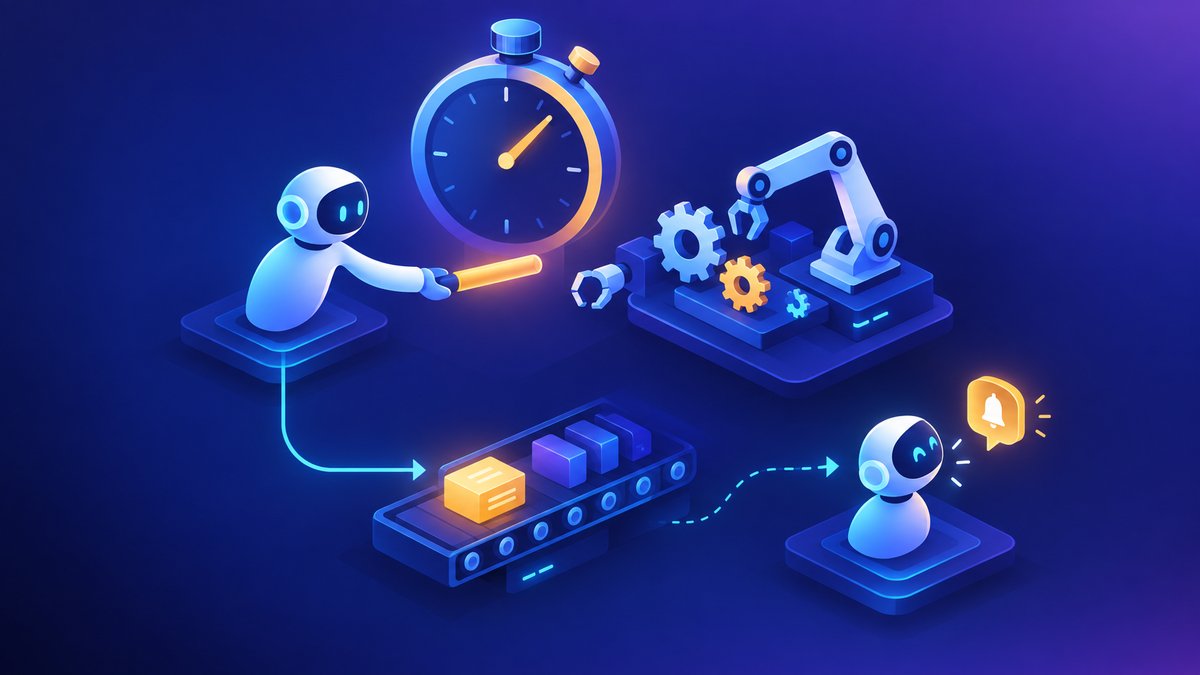
If the steps are known and must run the same way every time, use deterministic automation. Approvals, notifications, record syncs, document generation, and scheduled jobs belong here. Copilot Studio agent flows and the newer Copilot Studio workflows are also deterministic: the same input always produces the same output. They consume Copilot Studio capacity per action, while classic Power Automate cloud flows use Power Automate licensing.
For systems with no API, you have two options. Desktop flows (RPA) follow a script against the user interface. The computer use tool in Copilot Studio lets an agent operate a screen from natural-language instructions. Microsoft’s guidance is practical: use RPA when the interface is stable, the rules are clear, volume is high, and an RPA team already owns it. Use computer use when screens change often, decisions are fuzzy, or you need it quickly. Production computer use should run on your own registered machines, not the hosted prototyping pool.
Many enterprises already have a large investment in a third-party RPA platform. That isn’t a reason to start over. Microsoft and UiPath announced a two-way integration in 2025: Copilot Studio agents can call UiPath automations and agents, and UiPath can call Copilot Studio agents. UiPath connectors for Copilot Studio and Power Automate are published in the Microsoft connector reference as premium connectors (one is still marked preview). I had exactly this conversation with a customer earlier this year. Their question wasn’t “which platform wins” but “how do the two work together,” and that’s the right question.
My tip: Let the agent handle the judgment (reading the email, deciding what kind of request it is) and let the existing bots handle the clicks. Keep each part doing what it’s good at.
6. When pro-code fits
Pro-code isn’t a failure of low-code. It’s the right choice when the core of the solution is something low-code wasn’t designed for.
- Models, scoring, and hosted agents (Microsoft Foundry) - Formerly Azure AI Foundry. Use it for predictive scoring, ranking, anomaly detection, simulations, fine-tuned models, or agents you write in your own framework and run as hosted agents.
- Custom engine agents (M365 Agents SDK) - A framework (C#, JavaScript, Python) for getting messages to and from your own agent logic across Teams, Microsoft 365 Copilot, websites, and other channels. You bring the model and orchestration.
- Full control (Custom engine) - When you need to choose the model and orchestrator yourself, or you already have AI logic built in Semantic Kernel, LangChain, or Agent Framework.
One point that often surprises people: the Microsoft 365 Agents SDK is not an AI model or an orchestration engine. It handles channels, messages, and conversation state. The intelligence comes from whatever you plug into it. Plan for an engineering team to own that, including testing, deployment, and monitoring.
7. Most good solutions are combinations
The best designs I’ve worked on rarely use just one tool. A typical pattern looks like this:
- Front door - Agent
- Understands the request or the incoming email
- Answers from knowledge
- Decides what should happen next
- Engine - Flow or RPA
- Runs the fixed steps
- Calls APIs, creates records, routes approvals
- Uses bots for legacy screens
- Workbench - App
- Structured review and exceptions
- Complex configuration
- Human-in-the-loop decisions
When a scoring or forecasting model is needed, it sits behind the agent or the app as a service built in Foundry. The agent explains the score. The model produces it.
8. The decision matrix
This is a version of the table I share with customers. More ✓s means a better natural fit. “With effort” means it’s possible, but it isn’t where I’d start.
| Need | Copilot Studio agent | Power Apps | Cloud / agent flow | Desktop flow / RPA | Pro-code |
|---|---|---|---|---|---|
| Conversational experience | ✓ ✓ ✓ | - | - | - | ✓ ✓ |
| Answers from documents and knowledge | ✓ ✓ ✓ | ✓ (embedded agent) | - | - | ✓ ✓ |
| Structured data entry | ✓ (with effort) | ✓ ✓ ✓ | - | - | ✓ ✓ |
| Complex configuration (CPQ) | ✓ (with effort) | ✓ ✓ ✓ | ✓ (rules behind it) | - | ✓ ✓ |
| Fixed, rule-based process | ✓ (via flow) | ✓ (via flow) | ✓ ✓ ✓ | ✓ ✓ | ✓ ✓ |
| Approvals and document generation | ✓ (via flow) | ✓ ✓ | ✓ ✓ ✓ | - | ✓ |
| Event-triggered, needs judgment | ✓ ✓ ✓ | - | ✓ (no judgment) | - | ✓ ✓ |
| Legacy app with no API | ✓ (computer use) | - | - | ✓ ✓ ✓ | ✓ |
| Predictive scoring, ML, simulation | ✓ (calls a model) | - | - | - | ✓ ✓ ✓ |
| Many channels (Teams, web, Copilot) | ✓ ✓ ✓ | ✓ | - | - | ✓ ✓ ✓ |
| Maintained by makers / CoE | ✓ ✓ ✓ | ✓ ✓ ✓ | ✓ ✓ ✓ | ✓ ✓ | - |
9. Three examples from the field
From the field: quoting: A customer wanted to know whether its new quoting tool should be an agent or an app. I laid it out feature by feature. The app won clearly on complex configuration and structured data entry, and on approvals and quote documents. The agent won on a conversational quote experience and on reaching users across Teams and the web. Both could add AI recommendations. Reading that comparison, my advice is not either/or: build the configurator as a Power App, then add an agent as a front door for quick quotes and questions, with approvals running as flows behind both.
From the field: purchase orders: A security software company’s CIO wanted a concrete example of AI-driven operations. I presented an autonomous agent built in Copilot Studio that processes purchase orders arriving in a shared mailbox. The base pattern is simple, and I’ve since shared it with other customers: create the agent, turn on generative orchestration, add an Outlook trigger, filter on the subject line, and let the agent read the body or attachments and decide what to do. Start with that base, test it on real mail, then add the system updates and exception routing.
From the field: a sales AI roadmap: A software company brought 19 sales AI ideas and asked where each should be built. We mapped every idea to a platform with a one-line reason. Eleven landed in Copilot Studio: contract Q&A, call summaries logged to the CRM, renewal reminders at 90, 60, and 30 days, RFP drafting with SME review, and similar. Five went to pro-code in Foundry because they were really models: forecasting, lead scoring, territory simulation, commission anomaly detection, and account health scoring. Three were hybrids, where an ML score feeds an agent that alerts and coaches.
10. Cost models, briefly
The licensing models differ, and they shape the design. Copilot Studio bills usage in Copilot Credits, through prepaid capacity or a pay-as-you-go meter. How many credits an agent uses depends on its design, how often it runs, and which features it uses. Agent flows and workflows also consume capacity per action. Bring-your-own models from Foundry are billed separately. Depending on the harness, billing can start once you publish or as soon as you start building, so check before a long prototyping phase.
Power Apps is licensed per user (Power Apps Premium) or per app, including a pay-as-you-go per-app meter. Power Automate has per-user and per-process options, and RPA needs Power Automate Premium; the rights that come with Power Apps don’t include it. Pro-code runs on Azure consumption for the services you use. Use the Copilot Studio agent usage estimator and the current licensing guides rather than rules of thumb. For credit allocation and monitoring, see my governance toolbox post.
11. Common mistakes
- Building a chatbot for what should be a form. If users must provide 25 specific fields, a conversation is slower and more error-prone than a well-designed screen.
- Using generative AI for a deterministic step. If the rule is “amount over a threshold goes to finance,” write the rule. Don’t ask a model to decide every time.
- Rebuilding working RPA. If your bots are stable, connect the agent to them instead of replacing them.
- Choosing pro-code to avoid governance. Custom code still needs identity, monitoring, and ALM, and now your engineers own all of it.
- Treating chat history as a process. Repeatable work belongs in instructions, tools, and scheduled or event-driven runs.
- Ignoring who the agent acts as. Author credentials on triggers and shared connections need a data-protection review before you publish.
- Skipping the cost model. An autonomous agent that runs on every email can consume far more credits than a chat agent used a few times a day.
Most of these come back to governance. Put new solutions in the right environment with the right data policies from the start. My post on environment strategy and DLP covers how I set that up.
12. One-page decision checklist
Print this and bring it to your next intake meeting.
- I can describe the work without naming a product.
- I know whether the input is conversational, structured, or an event.
- I’ve separated the deterministic steps from the steps that need judgment.
- I know the expected volume, and how fast each item must be handled.
- Every data source has a connector, API, or MCP server, or I’ve planned RPA or computer use.
- I know who the solution acts as, and security has reviewed that identity.
- I know who will maintain it: makers, a CoE, an RPA team, or engineers.
- I’ve picked the cost model (per user, per app, or Copilot Credits) and run an estimate.
- I’ve placed each part: agent for conversation and judgment, app for structured work, flow or RPA for fixed steps, pro-code for models.
- The target environment, DLP policy, and ALM path are agreed before building starts.
Where I’d start
Pick one real process and write it down without product names. Mark each step as conversation, structured input, fixed rule, or judgment. Then use the matrix above to place each step. In my experience, most teams end up with an agent at the front, flows doing the work, an app for the exceptions, and pro-code only where a real model is needed. Start small, measure usage and cost, and expand from there.
Happy to go deeper on any of this.
K.G.
Read “Environment Strategy and DLP: What I Recommend”
Sources
- Microsoft Learn: Agents overview (Copilot Studio); Event triggers overview; Add an event trigger
- Microsoft Learn: Agent flows overview; Workflows overview (GitHub Copilot)
- Microsoft Learn: Use agent tools to extend, automate, and enhance your agents (RPA vs. computer use guidance)
- Microsoft Learn: Billing rates and management; Overview of usage-based billing; Standard harness licensing
- Microsoft Learn: Licensing overview for Microsoft Power Platform; About Power Apps per app plans; Power Platform Licensing Guide (October 2026)
- Microsoft Learn: What is the Microsoft 365 Agents SDK; Custom engine agents for Microsoft 365 overview
- Microsoft Learn: What is Microsoft Foundry?
- Microsoft Learn connector reference: UiPath; UiPath Orchestrator
- Microsoft Copilot Blog: Announcing agentic automation with bidirectional integration between Microsoft Copilot Studio and UiPath (April 2025)
Statuses and licensing details reflect publicly available information as of October 2026 and may change. Customer examples are anonymized.

Get new posts by email
Provider: your email provider