Operations
From the field archive · Learned in 2020
Deprecations You Can't Ignore: How I Kept Customers Ahead of Platform Changes
What a run of 2020 and 2021 deprecations taught me about turning announcements into owned, finished work, and the tracking practice I still use today.

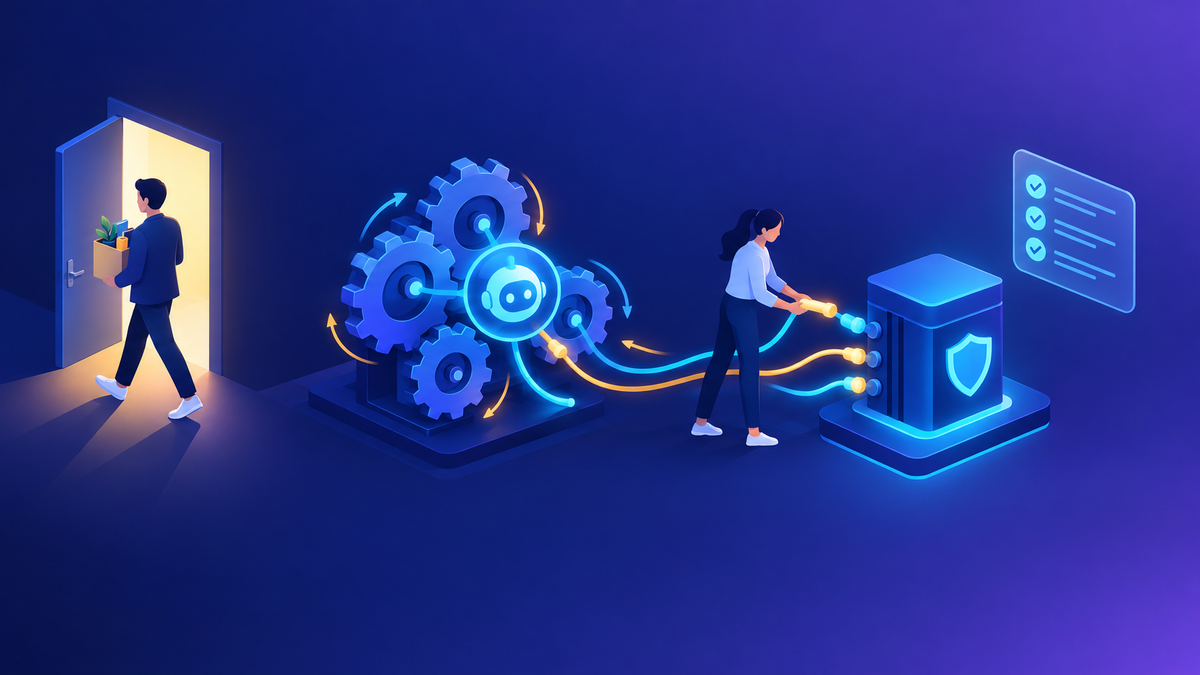
In 2020 and 2021, a lot of my week went into one kind of conversation: "Microsoft says this is going away. Does it affect us?" Older authentication types, a discovery endpoint, older TLS versions, even certification exams. The announcements were public and usually came months ahead. Customers still got caught out.
The Microsoft 365 Message center is still the main channel for planned changes and deprecations. The Power Platform admin center now adds its own notifications and announcements panes, in preview, for tenant-specific alerts. The Release Planner is retiring by November 15, 2026. Roadmap content for Dynamics 365, Power Platform and Dataverse is moving to the AI at Work roadmap, and release plans stopped being published in September 2026. The Regional Discovery Service is long gone (the Global Discovery Service replaced it), and the Office365 authentication type is still listed as deprecated in favor of OAuth.
In my experience, the problem is rarely a lack of notice. It's that the notice lands with someone who doesn't own the code that will break. Here's how I approach it, and what I'd do differently today.
01Deprecated doesn't mean broken (yet)
This is a common point of confusion. On Microsoft Learn, "deprecated" means Microsoft intends to remove a feature in a future release. It stays fully supported until it's officially removed, and the notice period can run from a few months to a few years. After removal, it stops working.
That gap is both the gift and the trap. Teams see "deprecated", note that nothing is broken, and move on. Then the removal date arrives and an integration nobody remembers fails in production.
A deprecation notice is a deadline with a long fuse. Treat the day you read it as day one of the project, not as news.
02What 2020 and 2021 looked like
These were the changes I spent the most time on with customers. Each had a public announcement and a documented replacement.
| What was going away | What replaced it | Who actually had to act |
|---|---|---|
| Office365 authentication type (and the OrganizationServiceProxy pattern) for connecting to Dataverse | OAuth, ClientSecret or Certificate authentication with an app registration | Developers of custom integrations, tools and console apps |
| Regional Discovery Service | Global Discovery Service, a set of OData v4 endpoints per cloud | Anyone whose code looked up the environment URL at run time |
| TLS 1.0 and 1.1 across Microsoft 365 services | TLS 1.2 or later | Owners of older .NET apps, servers and devices |
| MB-200 and MB-400 exams | PL-200 and PL-400 at the end of 2020 | Consultants and developers mid-way through study plans |
The last row looks out of place, but it taught me the same lesson. When a customer's consultant asked whether to sit the old exam or wait, my answer was the same as for code: know the date, pick a path, and don't let it drift.
A life sciences company had several in-house tools still connecting with the deprecated authentication type. Rather than send a link, I set up a working session between their developers and a platform specialist. We walked through OAuth connection strings for interactive tools and client secret or certificate authentication for headless jobs. The point I repeated afterward: the sample app ID in the documentation is for development and prototyping. For production, register your own app in your tenant.
03Why the deadline still surprised people
The Regional Discovery Service retirement is the one I remember best. Most customers had moved. A few hadn't, and they found out the week it was switched off.
A large manufacturer forwarded me an urgent warning a day or two before the old discovery endpoint was due to stop working. Their production environment was still getting steady daily traffic on it. My first two questions were: "Has anyone assessed the risk?" and "How many applications connect this way?" Nobody knew. We traced the calls to three accounts: two integration service accounts and one person's desktop tool. The code fix was small, switching to the Global Discovery Service or connecting straight to the environment URL. Finding the owners took longer than the fix.
What went wrong there wasn't technical. Three things were missing:
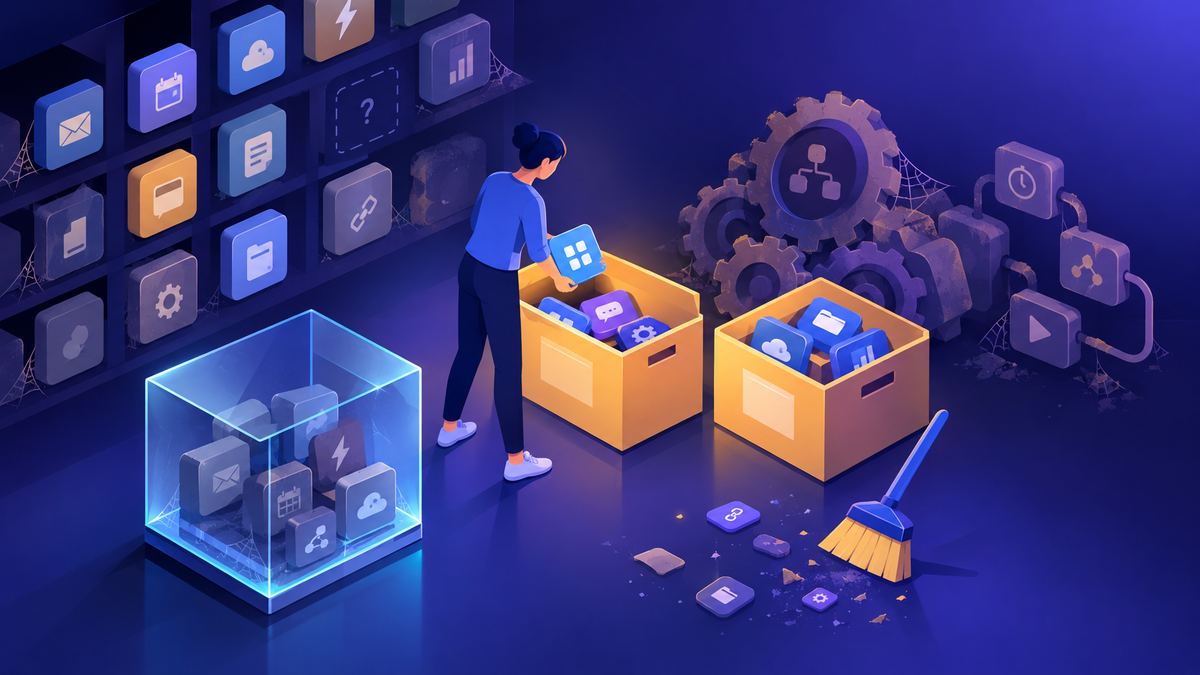
- An inventory. Nobody had a list of what connects to the environment and how.
- An owner per integration. Service accounts named "Integration" don't tell you who to call.
- A "done" signal. Nobody had confirmed that traffic on the old path was zero.
The TLS change went the other way. A services firm asked me what the TLS 1.0 and 1.1 retirement meant for their environments. We confirmed their integrations were already on TLS 1.2, and I could tell them plainly: no expected impact, and the change would roll out in normal maintenance, without planned downtime. That conversation took ten minutes because the groundwork was already done.
04The newsletter that kept me honest
To keep my customers ahead of all this, I wrote a monthly "Dynamics 365 & Power Platform Newsletter" and sent it to every account I worked with. It started as a way to save time answering the same questions. It became my own tracking system.
Each edition had the same shape:
Focus points
One or two deprecations that needed action now, with the replacement and a plain "do this next".
Deprecations and retirements
Everything announced, grouped by the month it takes effect, linked to the official notice.
Release plans and service updates
What's coming in the next wave and how updates are scheduled.
Learning corner
Training, videos and docs to help teams act on the above.
Writing it forced me to read every notice each month and decide what it meant for real customers. Repeating a deprecation month after month, until it was done, mattered more than announcing it once. I'd also add a note when an item didn't apply, for example to on-premises deployments, so people didn't waste time on it.
You don't need a newsletter. You do need one person who reads every notice and translates it into "this affects these systems, and this person owns the fix." A short monthly internal digest is a cheap way to make that stick.
05A repeatable tracking practice
This is the practice I've used since, adapted for 2026 tools.
- Route the notices. Make sure the people who act on changes actually receive them. Set up Message center email digests, and give readers who need nothing else the Message center reader role.
- Triage weekly. Read new posts and log anything that retires, removes or changes behavior.
- Map to your inventory. For each item, list the affected apps, flows, agents, integrations and service accounts. No inventory? Start one now. The governance toolbox covers where to get it.
- Assign an owner and a date. Set the internal deadline well before Microsoft's. I aim for at least a month of buffer.
- Test in a sandbox. Prove the replacement works before you touch production.
- Verify "done". Confirm the old path has no traffic or usage left. Don't close the item on a promise.
- Close and record. Note what changed so the next team doesn't redo the analysis.
A simple register is enough. These are the columns I use:
| Column | Why it's there |
|---|---|
| Change and source link | One official notice, so nobody argues about the facts |
| Microsoft date / our date | Two dates, with your date earlier |
| Affected assets | Apps, flows, agents, integrations, accounts |
| Owner | A named person, not a team or a service account |
| Status and evidence | "Done" means verified zero usage, with a note of how you checked |
06Where to watch in 2026
The channels have shifted since 2020. Here's where I look now.
| Source | What it's good for |
|---|---|
| Microsoft 365 Message center | The main channel for planned changes, feature rollouts, breaking changes and deprecations, including Power Platform. Supports a weekly email digest. |
| Power Platform admin center notifications and announcements Preview | Tenant-specific alerts (operational, compliance, capacity) plus product announcements, shown to Power Platform, Dynamics 365 and Global admins. It complements Message center rather than replacing it. |
| Important changes (deprecations) on Learn | The running list for Power Apps and Power Automate, with impact and required actions for each item. |
| AI at Work roadmap | Replaces the Release Planner for upcoming capabilities. Release Planner content reflects September 1, 2026 and retires by November 15, 2026. |
| Admin emails | Occasional direct emails go to users with the Dynamics 365 administrator or Power Platform administrator role. Check spam filters. |
Two current examples show why this still matters. Dataverse for Teams environments can't be created from November 15, 2026, and ones that aren't upgraded are decommissioned on October 30, 2027. Unmanaged developer environments can't be created from November 15, 2026, and existing ones are suspended starting December 15, 2026. Both have clear actions on Learn. Both will catch someone who isn't watching.
No single feed gives you everything. Message center won't know which of your integrations use a deprecated pattern. That mapping is your job, and it's where most of the risk sits.
For the environment strategy that makes inventories easier, see Environment Strategy and DLP: What I Recommend.
07Checklist
- Message center digests reach the people who own the code, not just the global admins.
- Someone triages new notices every week.
- Every deprecation in the register has a named owner and an internal date ahead of Microsoft's.
- Integrations and service accounts are inventoried, with a human owner each.
- Fixes are tested in a sandbox before production.
- "Done" means verified zero usage of the old path.
- Roadmap bookmarks point to the AI at Work roadmap, not the Release Planner.
Where I'd start
Open the Important changes (deprecations) article and the last 90 days of Message center posts. Pick the three items with the nearest dates and answer one question for each: who owns the thing that will break? If you can't name a person, that's your first task. Then make the weekly triage someone's job.
Happy to go deeper on any of this.
— K.G
Sources
- Microsoft Learn: Important changes (deprecations) coming in Power Platform
- Microsoft Learn: Discover user organizations (Global Discovery Service)
- Microsoft Learn: Use connection strings in XRM tooling to connect to Microsoft Dataverse
- Microsoft Learn: Notifications for Business & Industry Copilot services
- Microsoft Learn: Power Platform admin center notifications and announcements (preview)
- Microsoft Learn: Policies and communications for Power Platform and Dynamics 365 Services
- Microsoft Learn: Release plans for Dynamics 365 and Power Platform; Release Planner retirement notice

Get new posts by email
Provider: your email provider