Dynamics 365 Apps
From the field archive · Learned in 2022
How I Build a Winning Field Service Demo for an RFP
A requirements-first way to turn a long RFP into a demo evaluators can score, plus how I'd show Copilot and scheduling optimization honestly today.

In 2022, soon after I moved into a solution engineering role, I worked on a formal RFP for field service management from a regional telecom provider. We drafted a written response with a partner, ran a scripted product demo, answered clarification questions, and followed up with an onsite visit. Over the next year I ran similar Field Service demos for a construction firm and a manufacturer. The product has changed a lot since then. The way I prepare a demo has barely changed, because it works.
Copilot in Dynamics 365 Field Service now generates work order summaries, creates draft inspection templates from uploaded PDFs or images, and answers natural-language questions in the web app. AI-powered work order updates from the mobile app are in preview. The Scheduling Operations Agent (preview) can suggest optimized schedules for one or more technicians from the Copilot pane or the schedule board. Resource Scheduling Optimization is still a paid add-on, priced by the number of resources whose schedules it optimizes, and it handles overnight, intraday and emergency scheduling. The core of work orders, Universal Resource Scheduling, the schedule board and the mobile app hasn't changed.
01Read the RFP like an evaluator
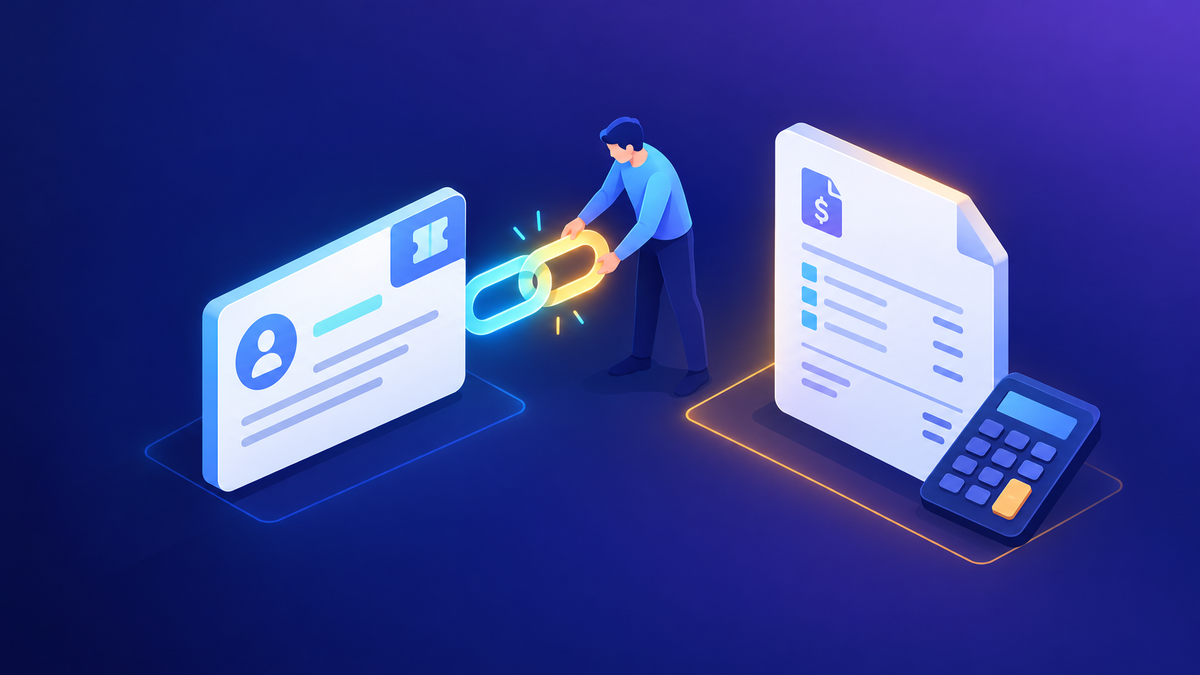
An RFP demo isn't a product tour. Evaluators sit with a scoring sheet, and every minute you spend on something that isn't on that sheet is a minute they can't score. So before I open a demo environment, I build a simple traceability matrix: each requirement, the scene in the demo that proves it, and how we'll prove it.
| RFP requirement | Demo scene | How we prove it |
|---|---|---|
| Dispatchers schedule by skill, availability and location | Schedule board, schedule assistant | Book a real-looking work order to the best-matched technician live |
| Automated scheduling at volume | Optimization run | Show before-and-after bookings and travel time |
| Technicians work offline in the field | Mobile app | Complete a booking on a device, then sync |
| Asset and service history on site | Work order and asset record | Open the asset history from the technician's booking |
| Preventive maintenance | Agreements | Show generated recurring work orders |
The matrix also drives the written response. In 2022 we wrote the RFP response collaboratively, and the matrix kept the written answers and the demo consistent. If the document says a capability is out of the box, the demo should show it that way.
02Discovery before you build
The RFP tells you what's being scored. It rarely tells you what hurts. I always ask for a discovery call, even a short one, and I bring the same core questions:
- What are the top three reasons customers contact you or open a job?
- What kinds of calls and jobs are these: break-fix, install, inspection, warranty?
- What are the must-haves, and what's missing in the current system?
- How much is automated today, and where do dispatchers spend their time?
- Which systems must integrate, such as warranty, ERP or inventory, and which one is the system of record?
- Who are the users: internal technicians, contractors, dealers, or customers looking for self-service?
For a construction firm in 2023, I watched the recording of the first meeting and started on requirements. Then I met the business sponsor directly, and his expectations were completely different from what the account team had heard. I asked to cancel the demo already on the calendar, booked a short call to understand what he really wanted, and rescheduled. A demo built on the wrong requirements is worse than a delayed demo.
Pay attention to adjacent topics during discovery. With a manufacturer in 2023, the field service conversation quickly turned to duplicate cases from phone and email, and to a self-service portal for dealers. Those pain points told me the demo needed to show case intake and a portal, not just scheduling.
03Write one day-in-the-life story
Evaluators remember stories, not feature lists. I build the demo around one service request that moves through the whole system, with each presenter playing a role:
Intake
- A customer reports an issue
- A case becomes a work order with incident type, tasks and parts
Dispatch
- The dispatcher books the job by skill and location
- Optimization fills the rest of the day
On site and after
- The technician uses the mobile app, inspection and asset history
- Completion, customer update, and billing
Each scene maps back to rows in the matrix. If a requirement doesn't fit the story, I cover it in a short "rapid-fire" section at the end instead of breaking the flow.
04Build the demo tenant around their data
I usually start from a pre-configured demo tenant and then make it feel like the customer's business: their service types, realistic asset names, technicians in their actual region, and territories that match their map. Generic demo data makes evaluators work harder to picture themselves in the product.
Test every scenario you plan to show, under the same kind of user the customer will have. In 2022 I needed an extra license type in the demo tenant to test one customer scenario properly, and I asked for it rather than skipping the test. That's the right trade-off every time.
During the telecom RFP, the team asked whether updating a customer's address would also update the location used on the schedule board. A teammate and I had tested something similar months earlier and found it didn't behave the way we'd assumed. Instead of answering from memory, we retested it before replying. Behavior you tested months ago may have changed, so retest before you answer in writing.
05Be precise about add-ons and previews
This is where demos lose trust. When I reviewed our 2022 written response, I flagged a paragraph that described fully automated scheduling without saying it needed an add-on subscription. We added a clear note. It cost nothing to say, and it would have cost a lot if the customer discovered it after signing.
I use three labels in both the document and the demo:
Out of the box
Part of the base application. Show it as-is.
Separately licensed
For example, Resource Scheduling Optimization. Say so on screen.
Not for production yet
Show it as direction, with the preview label visible.
I don't put pricing in demos. Licensing details belong in a separate conversation with the account team, using current official licensing information.
06Showing Copilot and scheduling today
If I ran the same RFP demo today, I'd add AI to the story where it saves a role real time, not as a separate "AI section."
- Dispatcher: open a work order and generate a Copilot summary before booking. Summaries reflect the work order's stage and only use data the user can access. Admins can configure which columns go into them.
- Dispatcher, when things change: show a same-day cancellation and ask the Scheduling Operations Agent to suggest a new schedule. It respects working hours and breaks and never moves bookings marked Do Not Move. It's in preview, and I'd say so.
- Scheduling at volume: show a Resource Scheduling Optimization run for overnight or intraday scheduling, with its goals and objectives, and explain that it's an add-on.
- Quality and safety lead: upload an existing paper checklist and let Copilot draft an inspection template that someone then reviews and publishes.
- Technician: mention that natural-language work order updates in the mobile app are in preview, and that Copilot features such as summaries need a connection.
AI features change quickly. A demo shows what's possible, while a pilot shows what works with the customer's own data quality. Microsoft's own FAQ notes that summary quality depends on the quality of the underlying data, so I say that during the demo too.
07Rehearse, deliver, follow up
We always held an internal pre-sync before the customer demo: walk the script, assign scenes, decide who answers which kind of question, and agree on what we won't claim. When the customer already used a specialist scheduling tool, I brought in a colleague with deep scheduling experience, because that's where the toughest questions would come from.
After the demo, the clarification round matters as much as the demo itself. Answer in writing, link back to the matrix, and label each answer the same way: included, add-on or preview. If you get an onsite visit, use it to watch dispatchers and technicians work. You'll learn more from an hour at a dispatch desk than from another slide.
Field Service rarely lives alone, so the platform side comes up quickly. When evaluators ask about environments, data policies and admin controls, I point them to Environment Strategy and DLP: What I Recommend and the 2026 governance toolbox.
08My demo checklist
- Traceability matrix: requirement, scene, proof
- Discovery call with the business owner, not just procurement
- One story, each scene owned by a presenter
- Demo tenant with the customer's service types, region and assets
- Every scenario retested in the last week
- Included, add-on and preview labels in the response and on screen
- Internal pre-sync and a list of claims we won't make
- Written follow-up mapped back to the matrix
Where I'd start
If an RFP lands on your desk this week, don't start in the demo environment. Start with the matrix and a discovery call. Build one story around their day, test it with their kind of data, and label every capability honestly. Then add Copilot and the Scheduling Operations Agent where they save a specific role time. That's how I prepared in 2022, and it still holds up.
Happy to go deeper on any of this.
— K.G
Sources
- Microsoft Learn: Overview of Dynamics 365 Field Service; Copilot features in Dynamics 365 Field Service
- Microsoft Learn: Summarize work orders with Copilot; Enable work order summary with Copilot; FAQ about work order summary with Copilot
- Microsoft Learn: Use Copilot in the Dynamics 365 Field Service web application
- Microsoft Learn: Scheduling Operations Agent overview (preview); Scheduling Operations Agent FAQ (preview)
- Microsoft Learn: Overview of Resource Scheduling Optimization; Configure Resource Scheduling Optimization
- Microsoft Learn: Universal Resource Scheduling for Dynamics 365 Field Service overview

Get new posts by email
Provider: your email provider