Agent Architecture
From the field archive · Learned in 2023
From Power Virtual Agents to Copilot Studio: What Changed and How I Migrated Bots
In late 2023 every bot team I worked with had the same three questions. Here's what actually changed, how I moved classic chatbots across, and where a migrated bot should land today.
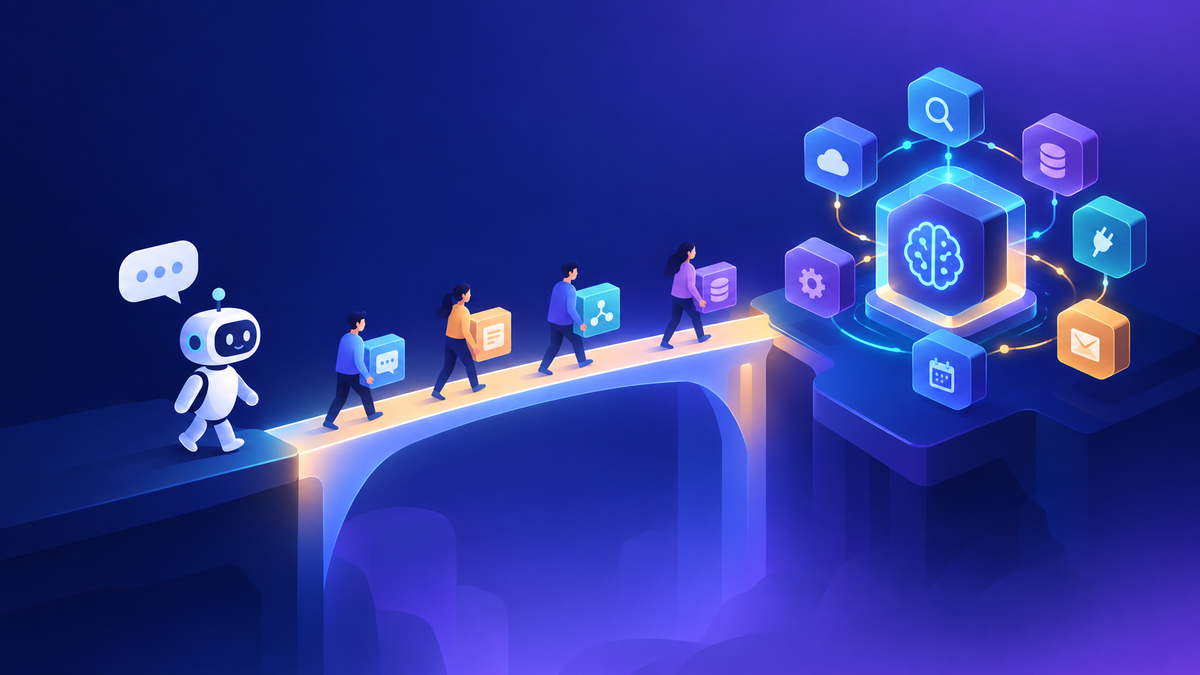
In November 2023, a utility's bot team emailed me asking for 30 minutes that same day. They needed help moving the Power Automate flows from their old chatbots to the new ones. Within a few weeks the questions changed: "Is Power Virtual Agents going away?" "Why can't I open Copilot Studio?" "Where are our transcripts?" By January another energy company was asking a more basic one: what's actually different between PVA and Copilot Studio?
All of those questions came from the same change. On November 15, 2023, Microsoft announced that Power Virtual Agents was becoming part of Microsoft Copilot Studio. Existing bots kept working, but they were now "classic" chatbots. Teams then had to decide whether to keep them as they were, clone them into the new authoring experience, or rebuild. Here's what changed, how I helped teams migrate, and what I'd tell someone who still has a classic bot today.
Power Virtual Agents no longer exists as a separate product. Its capabilities live in Copilot Studio. Classic chatbots can still be cloned into a new agent that runs on the standard harness. Cloning creates a new agent and leaves the classic bot untouched. Copilot Studio is now a multi-harness platform: Standard, GitHub Copilot (generally available since August 2026), Copilot Chat, and Customer Conversation (preview). Billing has also changed twice, from sessions to messages and then to Copilot Credits in September 2025. Microsoft now labels the upgrade article as legacy guidance that applies only to classic chatbots.
01What actually changed for makers
The rename made headlines, but makers noticed the authoring changes first. This table summarizes the differences I walked teams through, based on Microsoft's comparison of classic chatbots and agents on the standard harness.
| Area | Classic chatbot (PVA) | Copilot Studio agent (standard harness) |
|---|---|---|
| Starting a conversation | Needed extra code to greet the user automatically | A Conversation Start system topic handles it |
| Ambiguous questions | Limited control over "Did you mean" | A Multiple Topics Matched system topic you can customize |
| Data passed to Power Automate | Text, number, and Boolean only | Complex objects such as Dataverse records and collections, parsed with Parse value nodes |
| Logic and variables | Basic variables | Power Fx formulas, more variable nodes, a variable panel for testing |
| Authoring | Graphical canvas | Graphical canvas plus a YAML code view you can switch to inside a topic |
| Triggers | Trigger phrases | Trigger phrases plus events, such as Message received |
| Generative AI | Arrived late in PVA's life, with generative answers | Boosted conversations over a website or other knowledge, plus Copilot to help write and edit topics |
| Telemetry | Custom work | Application Insights integration |
The takeaway: the move from PVA to Copilot Studio wasn't just a rename. Makers got a much richer canvas, and the flows they had already built could become simpler.
02Can your bot be cloned?
Before anyone opens the clone dialog, I check eligibility. Microsoft documents three blockers. Classic chatbots that use any of these can't be cloned:
- Languages other than English
- Handoff to Omnichannel for Customer Service
- Knowledge Management extensions
If a bot isn't eligible, Copilot Studio prompts you to create a new agent instead. For eligible bots, these are the considerations I put on the migration checklist:
| What gets cloned | What you redo yourself |
|---|---|
| Topics built in the web canvas | Authentication, channels, and security settings |
| Entities, synonyms, and custom entities | Bot Framework skills (reconnect them) |
| Connections to Power Automate flows built in the web canvas, linked to the right topic | Custom canvas and other custom components (reconnect and retest) |
| The same language as the source bot | Deployment pipelines or reports that reference the classic bot's ID |
Microsoft says the flow connections are cloned but should be tested, and that its list of considerations isn't exhaustive. I treat a cloned agent as a new release. It gets the same test plan as a new build, not a quick check.
03How I migrated bots, step by step
Inventory
- List every classic bot, its owner, and its channels
- Check the three eligibility blockers
- Find pipelines and reports that use the bot ID
Clone and reconnect
- Switch to the classic experience, open the bot, select Copy this chatbot, then Copy and convert this bot
- Reconfigure authentication and channels
- Reconnect skills and custom components
Test and cut over
- Run every topic and flow end to end
- Update reporting and deployment references
- Retire the classic bot only after sign-off
The utility team's "transfer the flows" request was really a migration request. When we worked through it, the flows themselves were fine. What needed attention were the inputs and outputs between the bot and each flow. Several flows had been written to flatten records into text fields because classic bots could only pass simple types. In the new experience we could pass richer objects and parse them in the agent. Some of those flows got shorter in the process.
My recommendation was the same for every team: clone when the bot is eligible and its topics are still worth keeping. Rebuild when the bot was mostly a workaround for missing generative features, because a knowledge source can often replace dozens of hand-written topics.
04The questions I kept getting
These came in through late 2023 and early 2024. The answers below are updated for today.
| Question | My answer today |
|---|---|
| "Is PVA being retired?" | The product name is gone, and its capabilities are in Copilot Studio. Classic chatbots are legacy. I'd plan to move any you still have. |
| "Why can't I open Copilot Studio?" | Start with the environment, not the browser. In the Power Platform admin center, open the environment the bot lives in and check its details and your role there. |
| "Where are our conversation transcripts?" | Microsoft's analytics documentation for sessions and transcripts answered most of these questions then, and it's still the first place I'd check. Confirm the current retention behavior in the docs before you promise auditors anything. |
| "Do our licenses carry over?" | The billing unit has changed twice since then. It's now Copilot Credits, so re-estimate in credits rather than reusing old session or message numbers. |
One energy company opened a support case simply to understand "PVA versus Copilot Studio." The technical answer was straightforward. Their real worry was risk: would something break on a date they didn't control? What helped most was a written plan with an owner and a test date for each bot. Once they had that, the rename stopped being a concern.
05Where the clone lands today
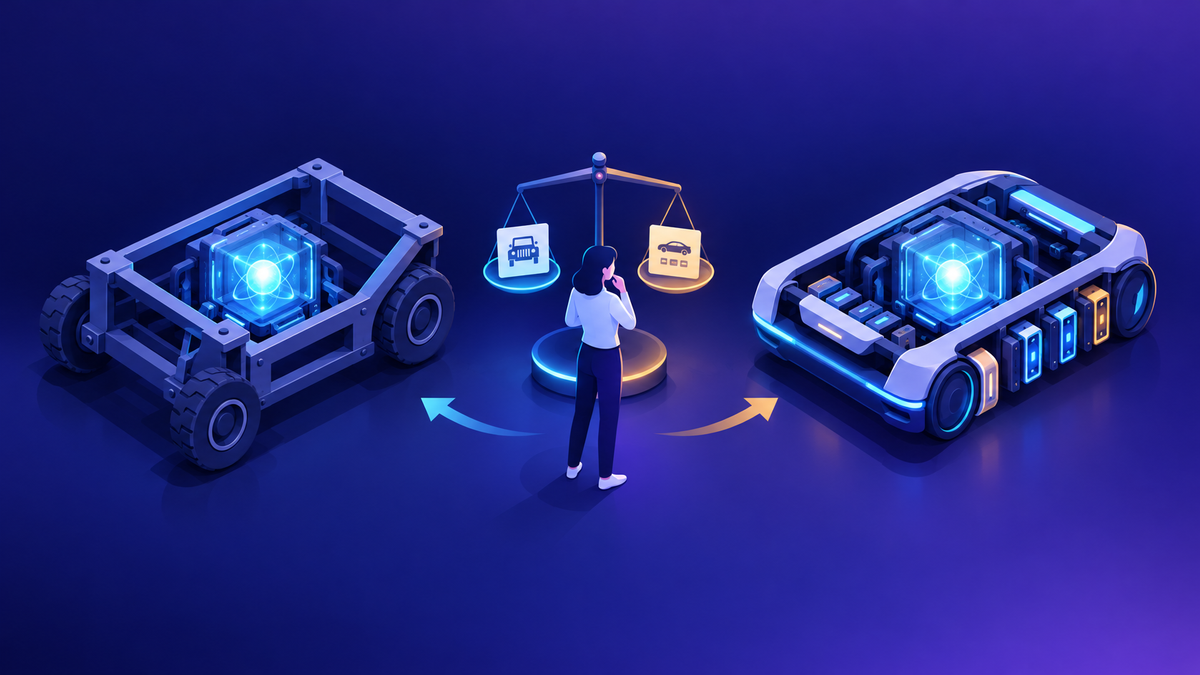
This is the part I'd add to every 2023 migration guide. When you clone a classic chatbot today, the new agent runs on the standard harness. That's the topic-and-flow experience closest to what PVA makers already know, so it's usually the right place for a migrated bot.
It isn't the only option anymore, though. The GitHub Copilot harness takes an instructions-first approach, plans its own path to an outcome, and is billed differently from the moment you start building. If a classic bot was mostly scripted Q&A, I'd clone it to the standard harness and add knowledge sources. If the business really wants an agent that reasons across tools and files, that's a new build on a different harness, not a migration. I go through that decision in Copilot Studio's New Harness: What Changed and How to Decide.
- Clone to standard when the topics, entities, and flows still reflect how the business works.
- Rebuild on standard when knowledge sources and generative answers can replace most of the hand-written topics.
- Start fresh on another harness when the goal has shifted from answering questions to completing multistep work.
Where I'd start
List every classic chatbot you still have, with an owner and channel for each. Check the three eligibility blockers. Clone the eligible bots into test environments and retest every flow connection. Reconfigure authentication and channels before anyone outside the team sees the new agent. Update the pipelines and reports that still point to the old bot. Then decide, bot by bot, whether the standard harness is where it should stay. Your governance basics, such as environments, data policies, and monitoring, carry over. I cover them in my environment strategy post and the governance toolbox.
Happy to go deeper on any of this.
— K.G
Sources
- Microsoft Learn: Upgrade classic chatbots to Copilot Studio (updated October 2026)
- Microsoft Copilot Blog: Microsoft Power Virtual Agents, now part of Microsoft Copilot Studio (November 15, 2023)
- Microsoft Learn: Licensing for agents powered by the standard harness
- Microsoft Learn: Analyze conversational sessions and transcripts in Copilot Studio
- Microsoft Learn: Telemetry with Application Insights overview

Get new posts by email
Provider: your email provider