Dynamics 365 Apps
From the field archive · Learned in 2020
From Unified Service Desk to Omnichannel and Unified Routing
What a 2020 contact center upgrade taught me about version alignment, telephony, chat and routing, and how I'd plan the same move now that Unified Service Desk is deprecated.
In 2020 and 2021 I worked with a large automaker's HR service center, and later a public transit agency, on contact centers built around Unified Service Desk (USD). Agents used the USD Windows client, calls came in through a third-party telephony connector built on Channel Integration Framework (CIF), and the team was moving to the Unified Interface while starting to explore Omnichannel and unified routing. Many organizations are making that same move right now, under a deadline.
Unified Service Desk with CRM Online was deprecated on April 1, 2026. Microsoft's announced end of service is April 30, 2027, and end of support is June 30, 2028. Customer Service workspace was renamed Copilot Service workspace, and the admin apps were combined into the Copilot Service admin center. Omnichannel on USD has been deprecated, and unified routing isn't supported in USD. Representatives must use Copilot Service workspace to receive work through unified routing. Dynamics 365 Contact Center is now a separate product, while Dynamics 365 Customer Service keeps its name. Third-party telephony still plugs in through Channel Integration Framework 2.0.
01What a 2020 USD estate looked like
USD was a desktop shell. It hosted Dynamics 365 pages and other applications as hosted controls and coordinated them with actions, events and navigation rules. It was powerful, and every customer configured it a little differently. The HR service center I worked with had:
- The USD client in production, with a specific browser control for hosted pages.
- A third-party telephony connector built on CIF, configured separately in QA and production.
- Workflows and rules that created cases from calls and emails, plus SLAs still on the legacy web client.
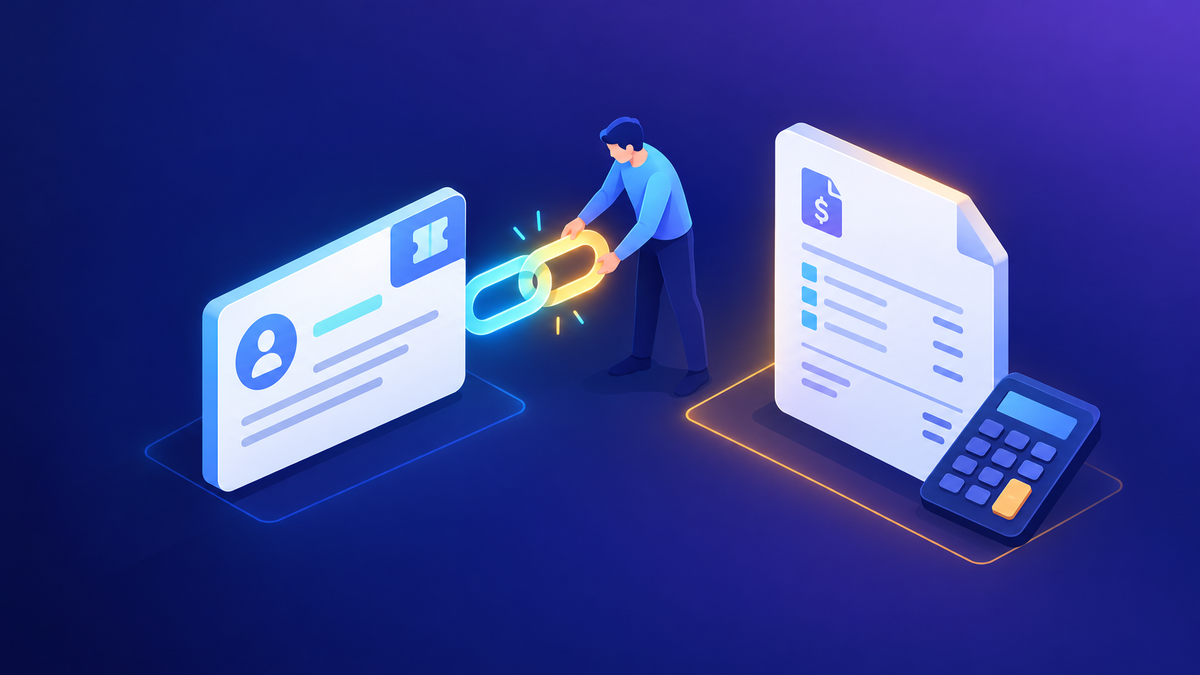
- A growing list of "open issues" that were often version mismatches, not bugs.
That last point became the first lesson.
02Lesson 1: Keep a version matrix
In USD projects, the most common source of trouble wasn't any single component. It was the combination: USD client version, telephony connector version, browser control, and the Dynamics 365 release. Before any upgrade I'd confirm in writing which versions were actually in production. Then I'd test the upgrade in my own environment, have the customer repeat it in a lower environment, and back up the USD configuration first.
For third-party components, I always told teams to rely on the vendor's support matrix rather than on Microsoft. The vendor knows its own product and release lifecycle best. Plan for its end-of-life dates the same way you plan for Microsoft's.
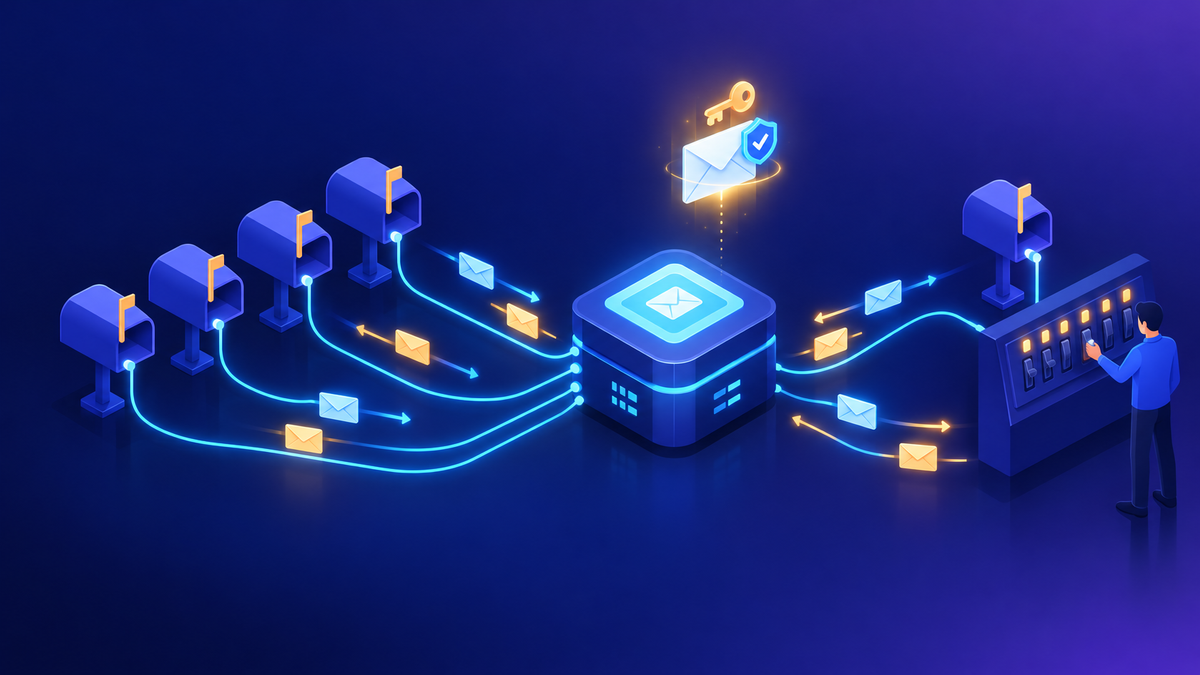
Two teams at the same customer each documented the telephony connector setup separately, and that cost time. I asked them to turn their working notes into one internal setup guide that every new team could reuse. We also confirmed which steps weren't needed. A channel setting everyone assumed was required turned out to be optional. One shared runbook saved more time than any single fix.
The same habit carries straight into migration. Copilot Service workspace runs in supported browsers, and CIF 2.0 is built for multisession apps. Your telephony provider needs to support that model, so confirm it with them before you set a cutover date.
03Lesson 2: Auto case creation needs a plan
A frequent request was "create a case automatically for every call, and fill in the fields." My answer in 2021 was that this is only partly out of the box. You can log calls as activities, and automatic record creation rules can create a case from them. Prefilling fields beyond the basics usually needs a flow or a plug-in, depending on how complex the data is.
That's still how I'd frame it. Automatic record creation and update rules are configured in the Copilot Service admin center, and actions run on Power Automate. If you still have rules from the legacy web client, Microsoft provides a migration tool that moves them, along with SLAs, to Unified Interface and converts the workflows to flows.
Write down, field by field, what an auto-created case must contain and where each value comes from: the call, the contact, or a lookup. Anything that comes from the telephony payload depends on what your connector passes in, so confirm that with the provider early.
04Lesson 3: Customize chat through the API
When the transit agency launched web chat, the default chat button overlapped other elements on their site. The team spent days editing configuration to move it. The approach that worked was to stop fighting the default widget: hide it, place a custom button where the design needed it, and call the live chat JavaScript API (for example, startChat) to open the conversation.
The lesson is broader than chat. When a built-in widget doesn't fit your page, check whether the product offers a supported API before editing its internals. Check current docs for the live chat SDK in your release, since the APIs have continued to evolve.
In the same project, the team wanted to identify customers from pre-chat survey answers. That's a reasonable design, but it depends on how the channel passes context to the conversation. Validate it in a test environment before you promise it to the business.
05Lesson 4: Put routing in one room
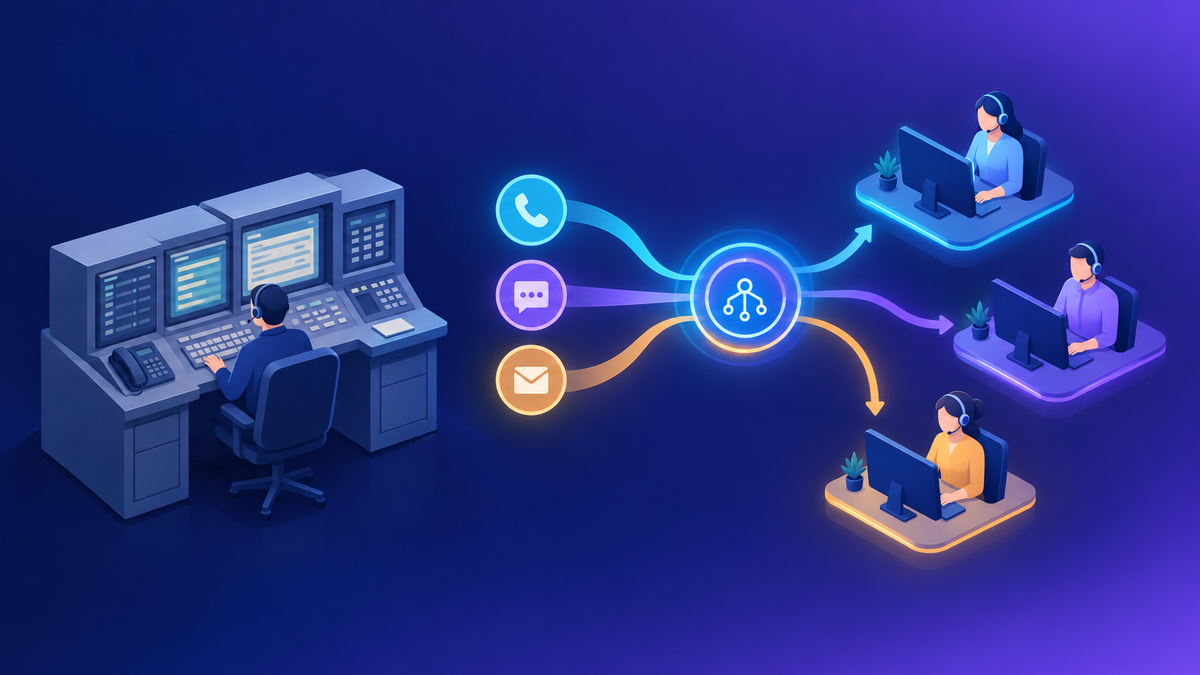
By mid-2021, unified routing questions were arriving from several groups at once: one about queues, another about skills, another about chat. Each conversation produced slightly different answers. I asked the customer for a single list of everyone working on routing and moved all of it into one recurring meeting.
Unified routing works in two stages. Classification uses rules, and optionally machine learning models, to add information to a work item. Assignment matches that work item to the best queue and representative, taking into account capacity and presence. Routing decisions touch channels, queues, skills, capacity and reporting, so they belong in one design session with one owner.
Workstreams and queues
Which channels feed which workstreams, and how queues map to teams.
Classification
Which rules or models add skills, priority or language to a work item.
Capacity and presence
Unit-based or profile-based capacity, and which presences can receive work.
Unified routing also handles records, not just conversations. Cases created by email, portal or automation can be routed to queues the same way, which removes many custom assignment workflows.
06Lesson 5: Migrate rules, don't rebuild them blind
In 2021 the team was also migrating SLAs. My advice was to bring a written list of items to the regular working session, so we could go through them with answers ready rather than chase them one by one. Use the migration tool for automatic record creation rules and SLAs, review what it can't convert, and then fix the remaining items by hand. Unified Interface SLAs also support things the web client versions didn't, such as SLA-item-level calendars, parallel KPIs and more actions through Power Automate.
One more item from that period: AI topic clustering for cases. Some of the legacy topics and analytics features I set up then have since been deprecated or replaced. Before you migrate an old dashboard or insight, check the Customer Service deprecations page and confirm it still has a supported replacement.
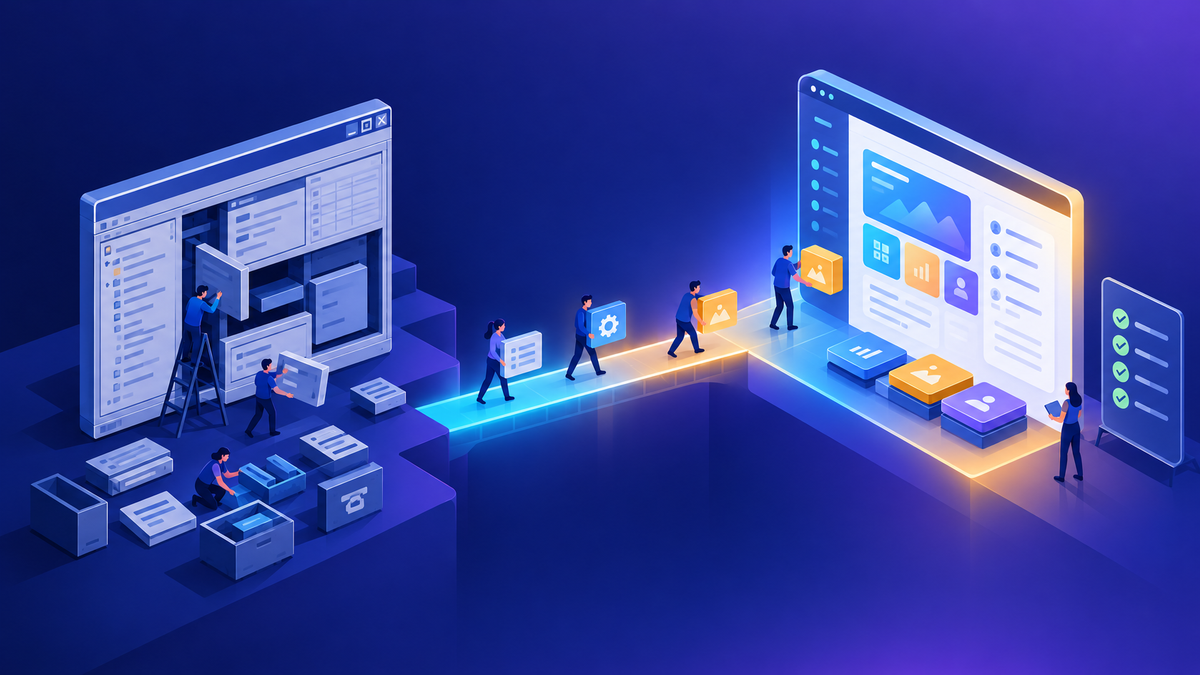
07Mapping USD to Copilot Service workspace
Microsoft's migration guidance maps USD concepts to workspace features. Almost all core USD capabilities have equivalents. The UII hosted-control SDK and advanced desktop integration are the main exceptions.
| In Unified Service Desk | In Copilot Service workspace |
|---|---|
| Hosted controls | Application tab templates and custom pages |
| Actions and navigation rules | Session templates, application tab templates, and scripts or flows where needed |
| Windows desktop client | Model-driven multisession app in a supported browser |
| Telephony through a CIF connector | CIF 2.0 third-party voice provider, or the built-in voice channel |
| Omnichannel inside USD | Omnichannel and unified routing in the workspace |
| Desktop app automation through hosted-control adapters | Power Automate, including desktop flows, or custom pages |
"Lift and shift" isn't realistic for a mature USD setup. Treat it as a redesign of the agent experience that reuses your business rules, not a port of your hosted-control configuration.
08A migration plan for 2026
Inventory
- Export USD configuration and list hosted controls, actions and events
- Record every version: USD, telephony connector, browser
- Confirm the telephony vendor's CIF 2.0 support
Map and design
- Map USD components to session and tab templates
- Run one routing design session with one owner
- Migrate rules and SLAs with the migration tool
Pilot and cut over
- Pilot with one team in a sandbox, then production
- Keep USD on its latest version until cutover
- Retire USD before its end-of-service date
Contact center apps still need a sound environment strategy and connector policies. If those aren't settled, read Environment Strategy and DLP: What I Recommend before you start the pilot, and see the 2026 governance toolbox for monitoring once you're live.
Where I'd start
If you still run USD, start this quarter with the inventory and the telephony conversation. Microsoft's guidance was that anyone not migrated by April 2026 had to be on the latest USD version, because earlier versions lose access to Dataverse. From here, the April 2027 end-of-service date is the real deadline. The lessons from 2020 still hold: track versions, write one runbook, use supported APIs instead of workarounds, and make routing decisions in one place.
Happy to go deeper on any of this.
— K.G
Sources
- Microsoft Dynamics 365 Blog: Transition from Unified Service Desk to Customer Service workspace (January 2025, updated)
- Microsoft Learn: Migrate from Unified Service Desk to Customer Service workspace; FAQ on transition to Customer Service workspace from Unified Service Desk
- Microsoft Learn: Deprecations in Dynamics 365 Customer Service
- Microsoft Dynamics 365 Blog: Naming updates to Copilot Service workspace and service representatives (March 2025)
- Microsoft Learn: Overview of unified routing; Set up unified routing for records
- Microsoft Learn: Dynamics 365 Channel Integration Framework 2.0; Configure channel providers in Channel Integration Framework 2.0
- Microsoft Learn: Migrate automatic record creation rules and service-level agreements; Migrate SLAs

Get new posts by email
Provider: your email provider